Instagram Is Pushing AI-Generated Content in 2026: Here's How to Use It

Written by
Jay Kim
Instagram is pushing AI-generated content in 2026 with new creator labels and algorithm updates. Learn how to create AI images, Reels, and music that perform.
If you post on Instagram regularly, you have probably noticed something shifting in your feed this year. More AI-generated visuals. More AI-edited Reels. More creators openly labeling their content as AI-assisted. And instead of penalizing it, Instagram appears to be building infrastructure around it.
In May 2026, Instagram began testing a dedicated "AI Creator" label that creators can add directly to their profiles and posts. Meta has expanded its AI creation tools inside the app. And the algorithm continues to reward content that generates saves, shares, and watch time, regardless of whether a human filmed it or an AI generated it.
The question for creators and marketers is no longer whether AI content belongs on Instagram. The question is how to use it effectively so the algorithm works in your favor instead of against you.
This guide breaks down what changed on Instagram in 2026, how the algorithm actually treats AI-generated content, what types of AI visuals and videos perform well, and how to build a practical workflow that keeps your feed consistent without burning out on production.
What Changed on Instagram Around AI Content in 2026
Several updates in 2026 reshaped how Instagram handles AI-generated content.
The most visible change is the new "AI Creator" label. Instagram is testing a new account-level label that will allow creators to self-identify as an "AI creator."[7] The label will appear prominently both in creators' profiles and alongside their posts and Reels elsewhere in the app.[7] Identifying as an AI creator will not impact how Instagram's recommendations algorithm will distribute their content across the platform.[5]
That last point matters. Instagram is explicitly saying that using AI tools and labeling your content as AI-created does not hurt your reach. The label exists for transparency, not punishment.
At the same time, on Instagram, Meta increased the prevalence of original content in the US by 10 percentage points in Q4 2025, with 75% of recommendations now coming from original posts.[4] What Instagram penalizes is reposted, aggregated, and low-effort recycled content. AI content that you create from scratch using your own prompts and ideas counts as original.
Meta has also been investing heavily in AI creation tools across its platforms. Nearly 10% of daily Reels views now come from content made in Edits. Within Meta AI, daily actives generating media tripled year-over-year in Q4 2025.[4]
The takeaway is clear: Instagram wants more creators making more content, and it views AI as a tool that helps creators do that.
If you have been using AI tools for YouTube Shorts or TikTok content, the same principles apply to Instagram. The platform rewards original, high-quality content that keeps people engaged, and AI tools help you produce that content faster and more consistently.
How Instagram's Algorithm Actually Treats AI Content in 2026
Before you start generating AI images and Reels, it helps to understand what the algorithm actually cares about, because the answer has almost nothing to do with whether your content was made by a human or a machine.
Instagram uses distinct AI systems for the feed, stories, reels, and explore page, each prioritizing different user behaviors.[1] There is no single algorithm deciding what gets seen. Each surface has its own ranking system, and each system weighs different signals.
For Reels specifically, the signals that matter most in 2026 are watch time, completion rate, DM shares, and saves. In 2026, the single most powerful ranking signal is the Direct Message (DM) share. If a user sends your post to a friend, the algorithm views it as "highly distributable."[9]
For feed posts and carousels, the algorithm looks at how long someone pauses on your content, whether they save it, and whether they engage in meaningful conversation through comments.
The critical insight for AI creators is this: AI-assisted content with a visible human perspective and voice performs well. Pure AI generation with no personal layer is increasingly easy for audiences and the algorithm to pass over.[7]
This means the winning approach for AI content on Instagram is using AI to handle the production (visuals, music, editing) while you bring the ideas, perspective, and value. When you combine both, you get content that looks polished and feels authentic at the same time.
Instagram's visual AI has also gotten smarter about understanding content. Instagram's ability to understand what your content is actually about improved substantially. The updated AI analyzes visuals, on-screen text, voiceover audio, and video clips to categorize content and match it to the right users.[7] This means well-designed AI images with clear subjects, readable text, and consistent visual themes are easier for the algorithm to classify and recommend to the right audience.
5 Types of AI Content That Perform Well on Instagram in 2026
Not all AI content is equal on Instagram. Some formats consistently outperform others because they align with what the algorithm rewards and what audiences actually want to see.
1. AI-Generated Post Images with Strong Visual Identity
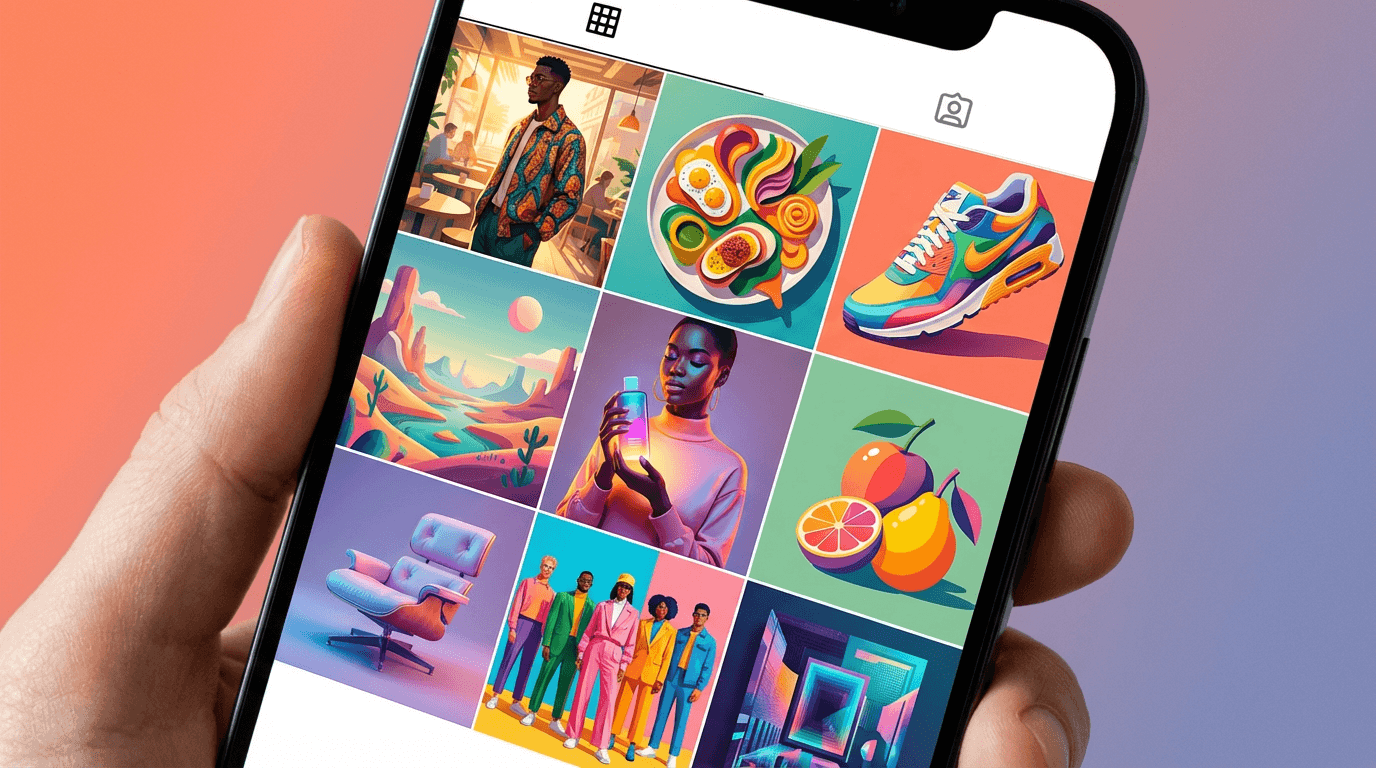
Static images still perform well on Instagram, especially when they are part of a cohesive feed. AI-generated images work best when they follow the same color palette, lighting style, and composition across every post.
The key is creating images that look intentional rather than random. A product shot with clean studio lighting, a lifestyle flat lay with consistent warm tones, or a branded quote card with a distinctive gradient background all work well when generated through detailed prompts.
If you want copy-paste templates for different Instagram content categories, the AI prompts for Instagram post images guide has 20 ready-to-use prompts organized by lifestyle, product, food, fashion, travel, and more.
You can generate these images directly inside the AI Image Generator on Miraflow AI, which supports multiple aspect ratios including 1:1 and 3:4, the two most common Instagram formats.
2. AI-Powered Reels with Clear Hooks
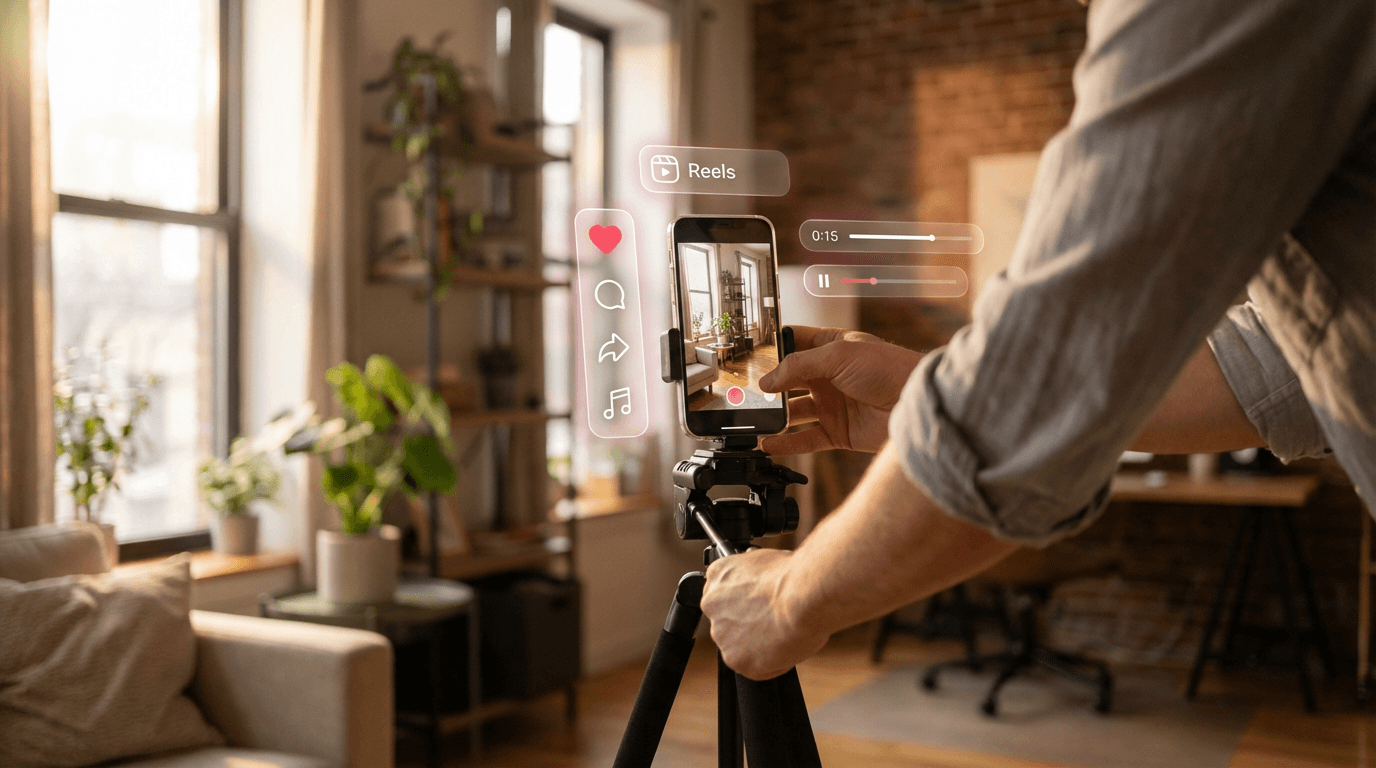
Reels remain the fastest path to reach on Instagram. Shorter videos give you a massive advantage. Right now, in 2026, the sweet spot for maximizing your reach is somewhere in the 7 to 15-second range. It's the perfect length to deliver a quick, punchy piece of value and makes it incredibly likely that people will watch the whole thing.[8]
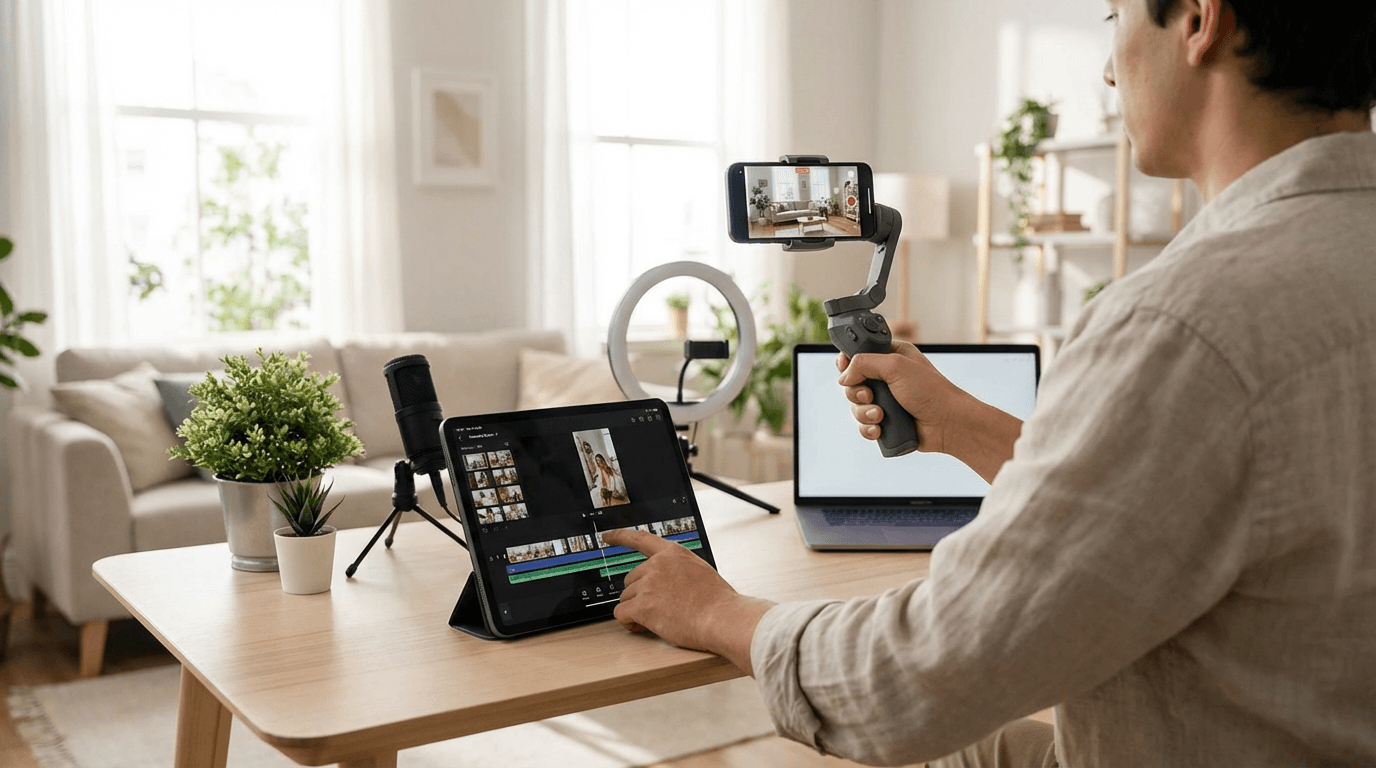
AI tools can handle the entire Reels creation pipeline. You write the idea. AI generates the script, creates the visuals, adds voiceover, and produces a finished vertical video. The formats that work best for AI-generated Reels include quick tips, before-and-after transformations, tool showcases, and explainer-style content.
This maps closely to the 10 AI Shorts formats that go viral in 2026. Formats like "3 Quick Tips in 30 Seconds," "Before/After Transformation," and "You're Doing It Wrong" all translate perfectly to Instagram Reels.
3. Carousel Posts with AI-Generated Slides
Carousels are one of the highest-performing formats on Instagram in 2026. Carousels outperform Reels and static images in 2026.[6] They encourage users to swipe through multiple slides, which increases time spent on your content and sends strong engagement signals to the algorithm.
AI helps here in two ways. You can generate individual slide visuals using AI image tools, creating consistent branded backgrounds for each slide. And you can use AI to structure the carousel content itself, breaking down a topic into clear, slide-by-slide segments.
For the visual side, the YouTube Thumbnail Maker on Miraflow AI is designed for bold, text-heavy visuals that also work perfectly for carousel cover slides. You can generate a consistent branded look and reuse it across multiple carousel posts.
4. AI Music for Reels and Stories
Audio matters on Instagram. Reels with well-matched music tend to get better completion rates and more shares. But finding the right track for every post takes time, and using trending audio that everyone else uses means your content sounds like everyone else's.
AI music generation lets you create custom background tracks that match your content's mood and pacing. You describe the vibe you want, and the AI produces a unique track in under a minute.
The AI Music Generator on Miraflow AI supports both Simple Mode (describe the mood and generate) and Custom Mode (set lyrics, BPM, key, and duration). For Instagram Reels, simple mode with an instrumental toggle is usually all you need.
For a deeper look at creating music for social media, the AI music prompts for YouTube, Reels, and TikTok guide includes prompt templates organized by mood and content type. And if you want to understand the legal side, the guide on whether you can monetize videos with AI music covers what is allowed across platforms.
5. AI Avatar and Faceless Content
Faceless accounts are among the fastest-growing segments on Instagram. Faceless accounts are one of the fastest-growing segments on Instagram. They work especially well in niches like motivation, finance tips, AI news, and product reviews.[3]
AI avatar technology in 2026 lets you create a consistent digital presenter for your Reels without ever appearing on camera yourself. This gives you the engagement benefits of a talking-head format with the convenience of faceless production.
You can create AI avatars and talking-head videos using the AI Actor Video feature on Miraflow AI. This works especially well for educational content, product demos, and explainer-style Reels where a face on screen builds trust but you do not want to film yourself.
The faceless YouTube Shorts with AI guide covers 10 niches that work well for faceless content. Every niche listed there translates directly to Instagram Reels.
15 AI Prompts for Instagram Reels and Post Images
Here are prompts you can copy and use to generate Instagram content across common niches. These are designed for the AI Image Generator on Miraflow AI and work in 3:4 or 1:1 aspect ratios.
Product Lifestyle Shot
Prompt
a single white skincare bottle centered on a smooth stone pedestal surrounded by fresh eucalyptus leaves and soft water droplets, clean studio lighting with warm highlights, shallow depth of field, pastel green and cream color palette, bright and airy mood, premium product photography style, photorealistic textures, 3:4 aspect ratio
Morning Routine Flat Lay
Prompt
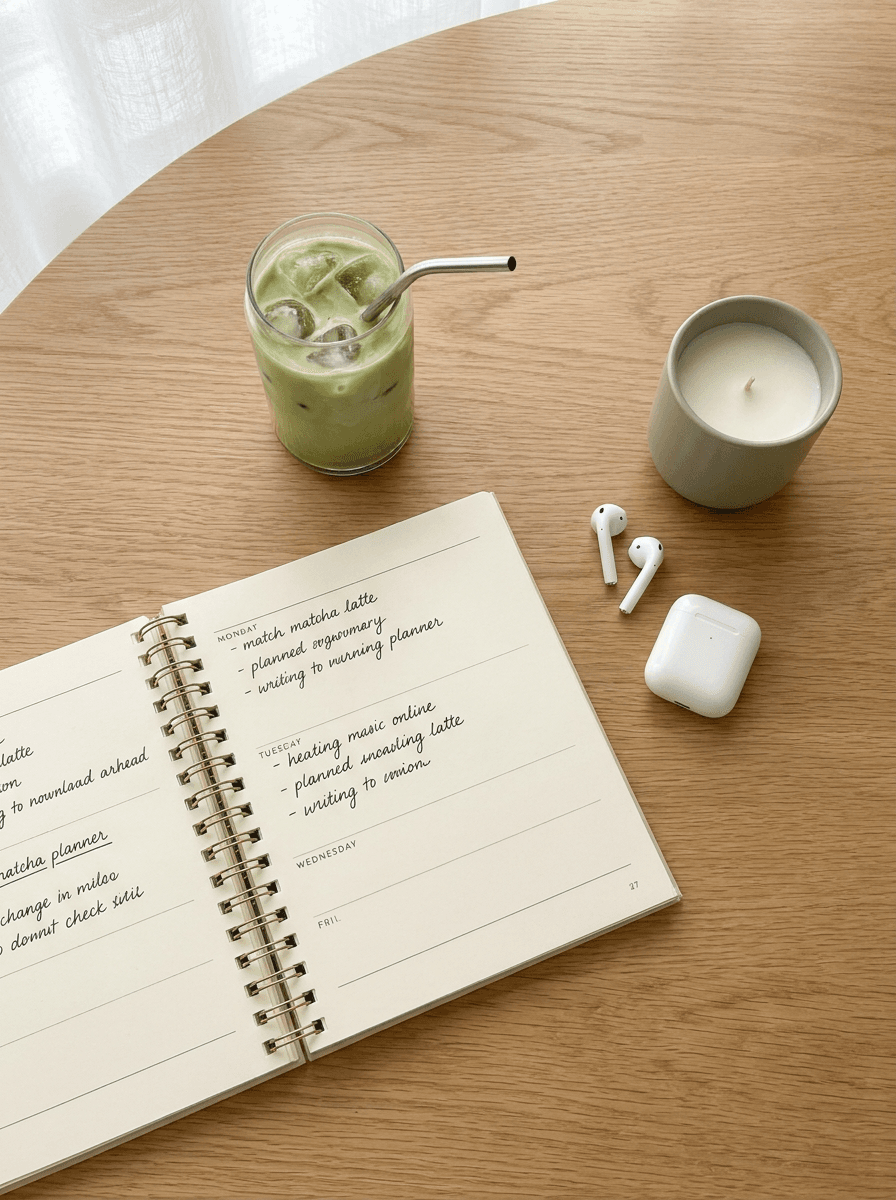
overhead flat lay of a minimalist morning desk setup on a light oak surface, an open planner with handwritten notes, a glass of iced matcha, AirPods in their case, and a small candle, soft natural light from the left with gentle shadows, muted sage and cream tones, clean composition with space between objects, lifestyle photography style, photorealistic, 3:4 aspect ratio
Fitness Action Shot
Prompt
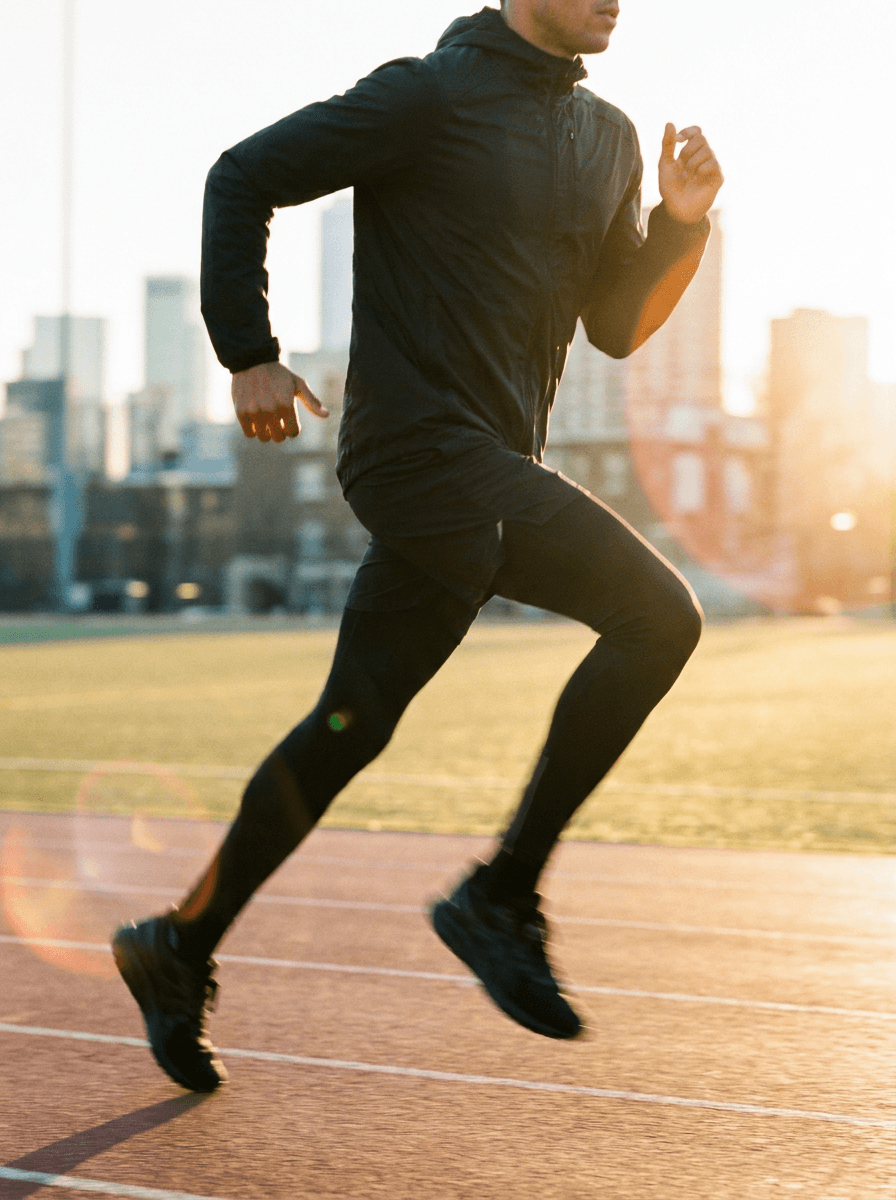
a person in sleek black athletic wear mid-stride on an outdoor running track at golden hour, city skyline blurred in the background, warm golden light with soft lens flare, dynamic motion blur on the legs, clean composition with the runner slightly off-center, energetic and focused mood, sports photography style, photorealistic, 3:4 aspect ratio
Tech Product Clean Display
Prompt
a smartphone placed upright on a matte white surface next to wireless earbuds and a slim laptop, clean overhead studio lighting with soft shadows, modern cool-toned palette of white silver and soft blue, minimal negative space around objects, sleek professional mood, tech product photography style, photorealistic, 1:1 aspect ratio
Food Photography Overhead
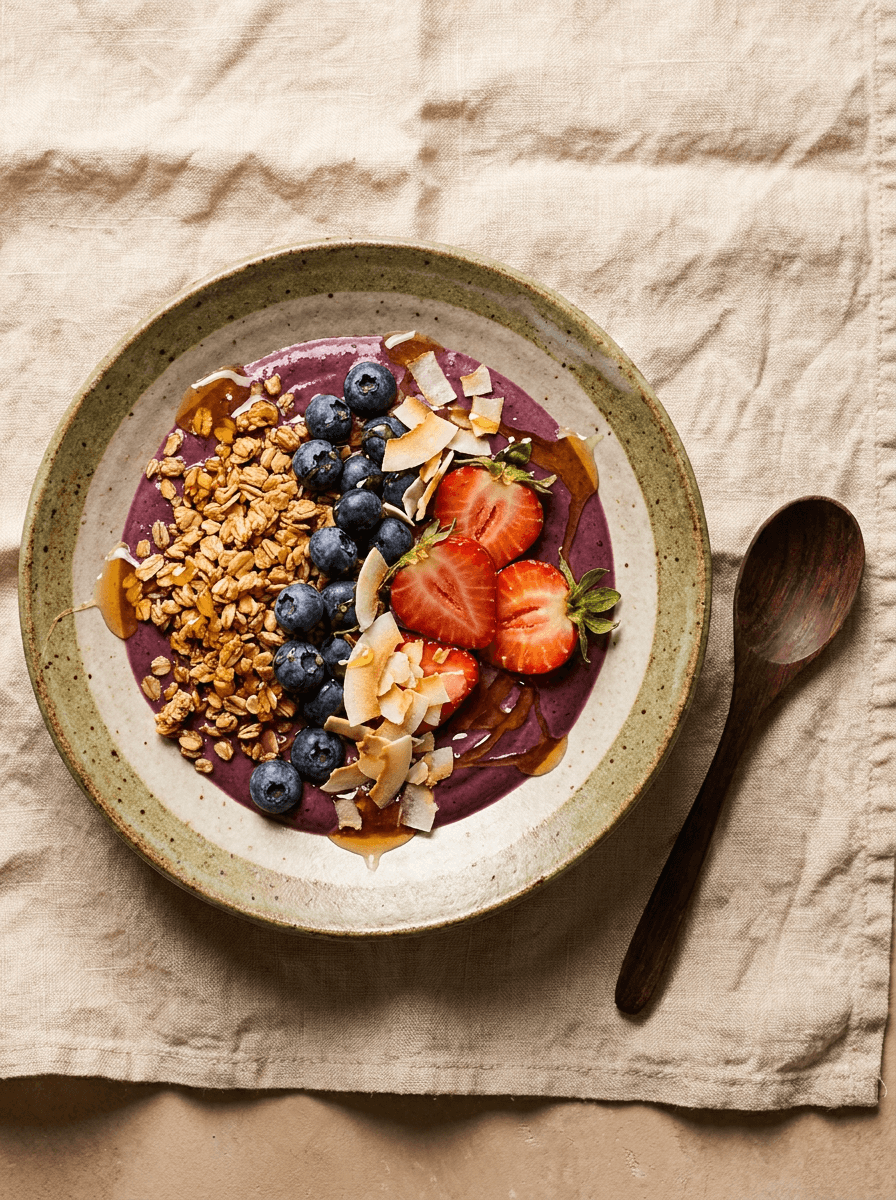
Prompt
overhead shot of an acai bowl with granola, fresh berries, coconut flakes, and a drizzle of honey on a handmade ceramic plate, a wooden spoon beside it on a light linen cloth, soft warm diffused lighting from above, rich purple and warm brown tones with green accents, appetizing and fresh mood, editorial food photography style, photorealistic textures, 3:4 aspect ratio
Travel Destination POV
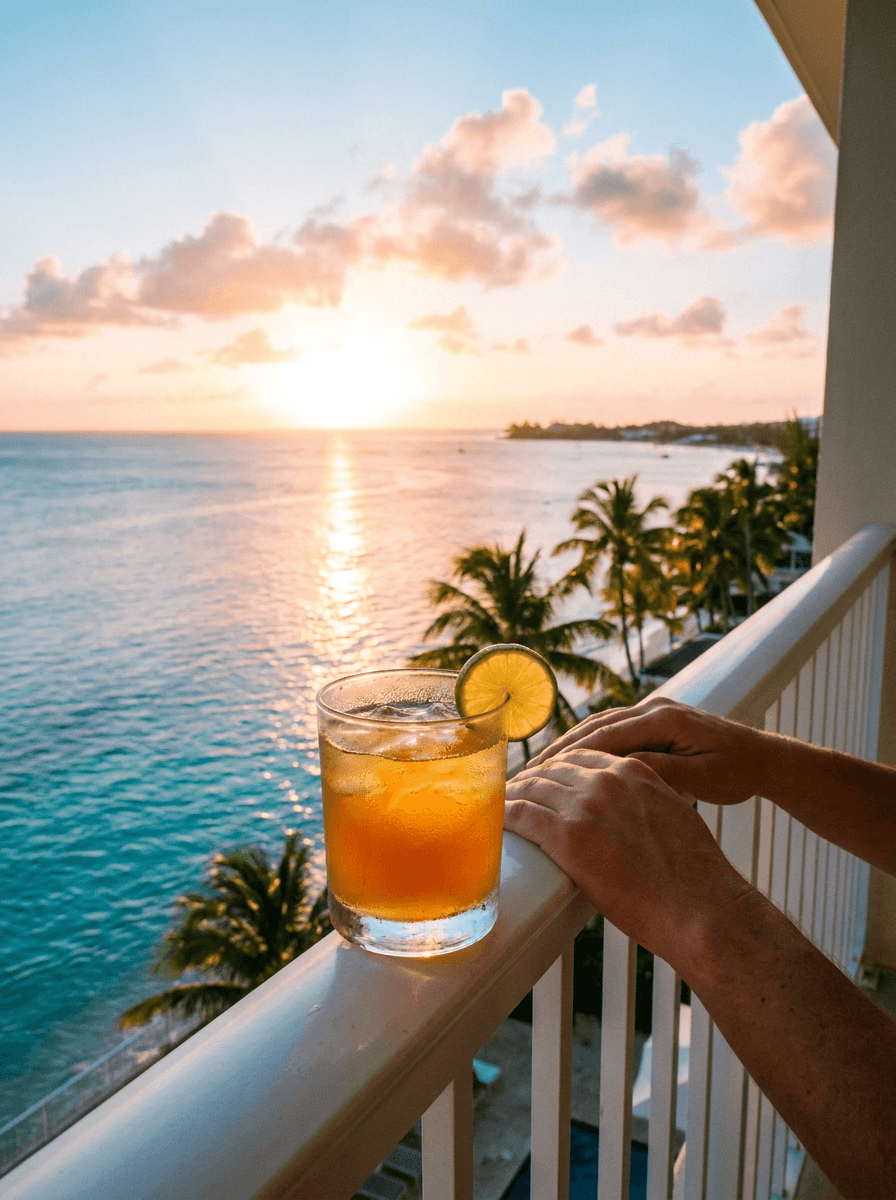
Prompt
first-person perspective looking out from a hotel balcony over a turquoise ocean at sunset, hands resting on a white railing with a cocktail glass on the ledge, warm golden hour light with soft pink clouds, rich blue and amber color palette, relaxed vacation mood, travel lifestyle photography style, photorealistic, 3:4 aspect ratio
Cozy Reading Aesthetic

Prompt
a person curled up on a cream linen sofa holding an open book, a knit throw blanket draped over their legs, soft natural window light with gentle shadows, a cup of tea steaming on the side table, warm muted tones of cream tan and dusty rose, peaceful contemplative mood, lifestyle photography style, photorealistic textures, 3:4 aspect ratio
Motivational Quote Background
Prompt
soft abstract gradient background flowing from deep navy blue into warm amber into soft peach, smooth and clean with no objects, subtle grain texture like brushed paper, calming yet uplifting mood, minimal composition designed as background for text overlay, warm color palette, photorealistic soft textures, 1:1 aspect ratio
Behind-the-Scenes Creator Workspace
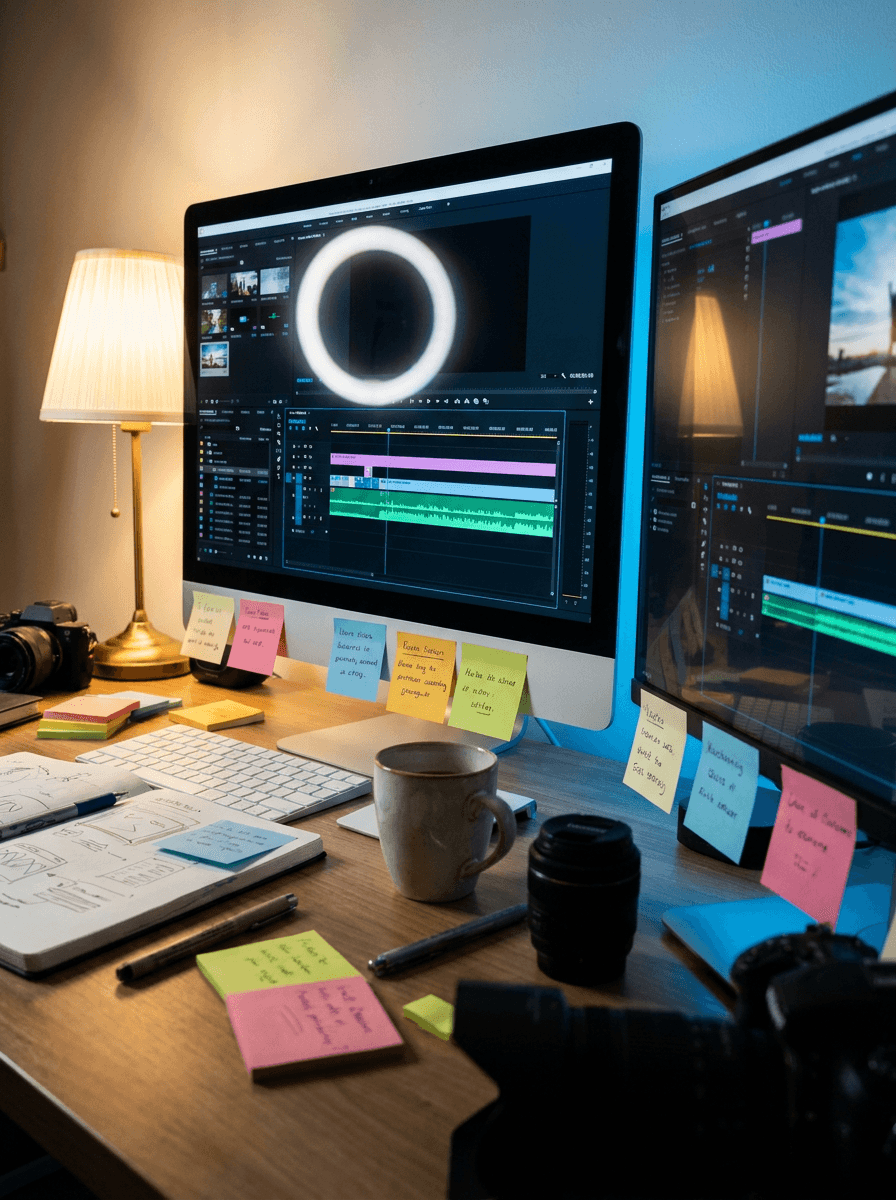
Prompt
slightly elevated angle of a creative workspace with dual monitors showing colorful editing software, a ring light reflected in the screen, scattered sticky notes and a coffee mug, warm ambient desk lamp lighting mixed with cool monitor glow, organized creative chaos feel, lifestyle photography style, warm and cool mixed tones, photorealistic, 3:4 aspect ratio
Sustainable Brand Aesthetic
Prompt
a collection of eco-friendly products arranged on a reclaimed wood surface, including a bamboo comb, glass jar with dry herbs, a cotton pouch, and a beeswax wrap, soft natural overhead lighting with gentle shadows, earthy green and warm brown palette, intentional clean composition with space between objects, mindful eco-conscious mood, lifestyle photography, photorealistic textures, 1:1 aspect ratio
Fashion Street Style
Prompt
medium shot of a person wearing an oversized beige blazer over a white tee and wide-leg trousers, standing against a clean concrete wall in soft shade, golden hour side light catching the edges of the outfit, neutral warm tones with cream and taupe, confident relaxed mood, editorial street fashion photography style, shallow depth of field, photorealistic, 3:4 aspect ratio
Pet Portrait
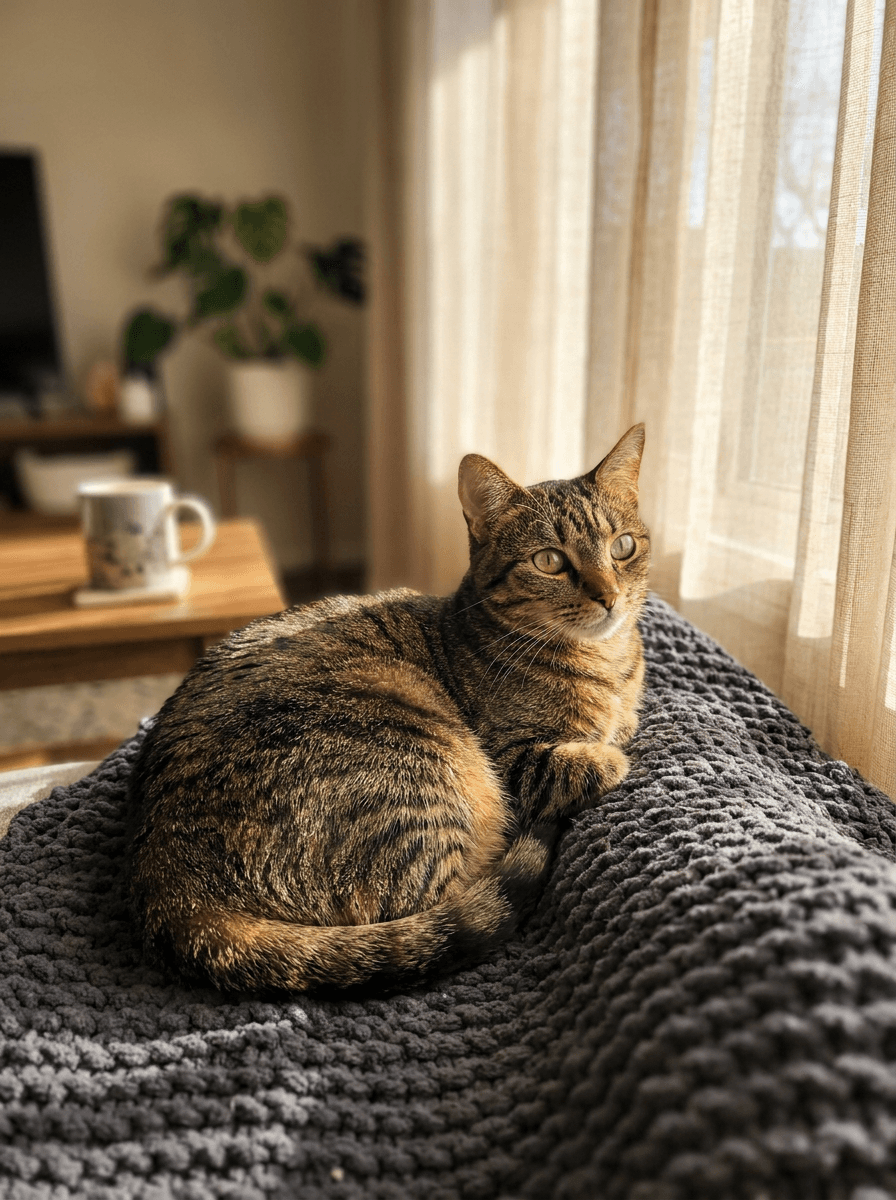
Prompt
close-up portrait of a tabby cat sitting on a soft gray blanket next to a sunny window, bright green eyes looking directly at the camera, warm natural light creating highlights on the fur, blurred cozy interior background, warm and gentle mood, lifestyle pet photography style, photorealistic fur and eye textures, shallow depth of field, 3:4 aspect ratio
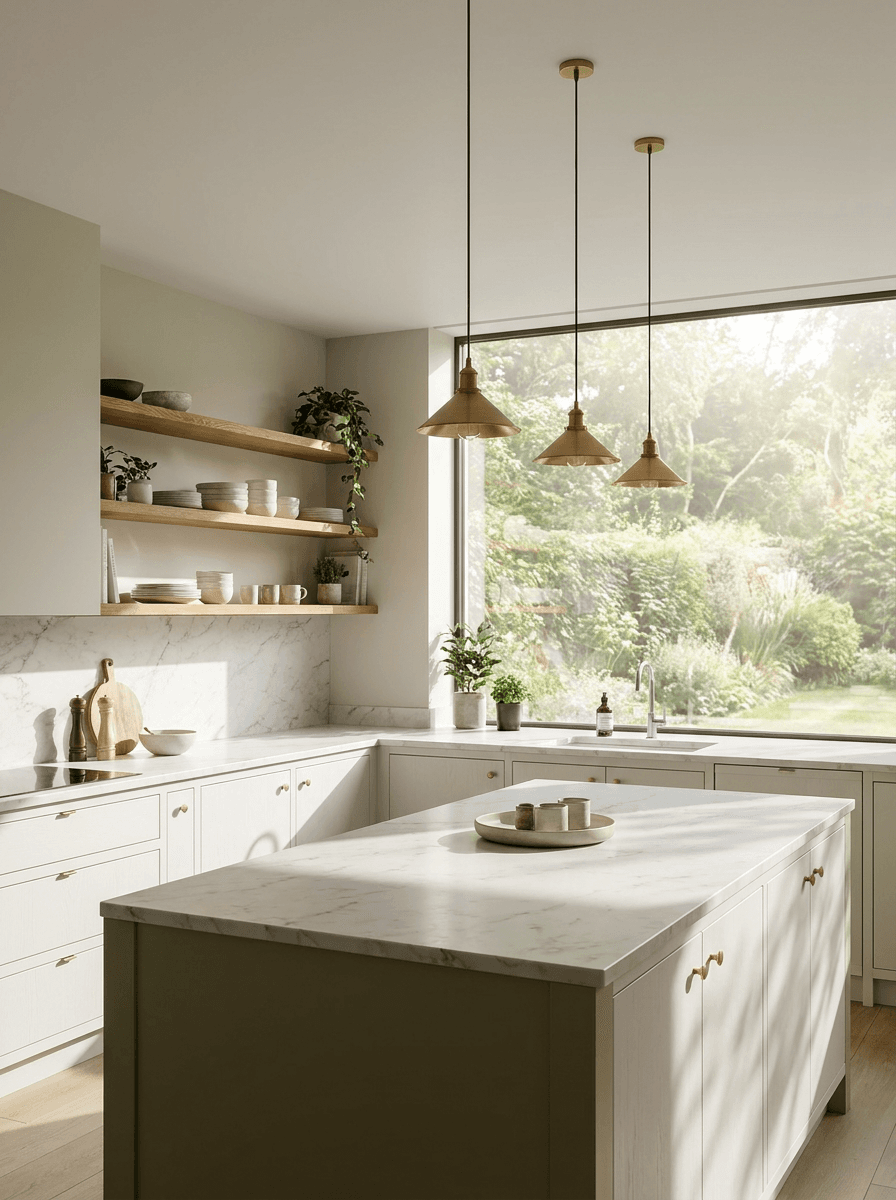
Real Estate Interior
Prompt
wide shot of a modern kitchen with white marble countertops, wood open shelving, brass pendant lights, and a large window showing green garden outside, bright natural light filling the room with clean shadows, neutral palette with white wood and soft green, sophisticated welcoming mood, architectural interior photography style, photorealistic, 3:4 aspect ratio
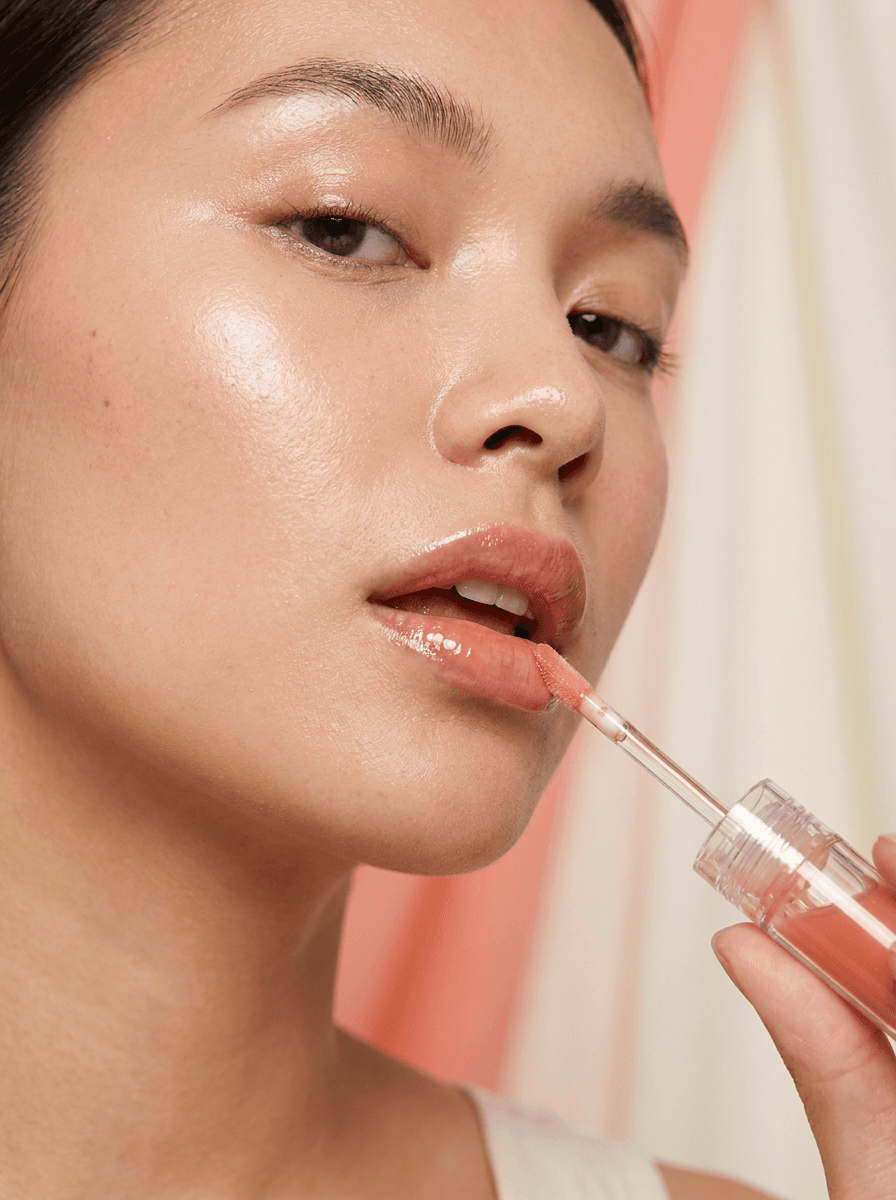
Beauty Close-Up
Prompt
extreme close-up of a person applying a tinted lip oil, soft dewy skin with natural highlights on the cheekbones, clean beauty lighting with soft diffused key light, blurred pastel coral and cream background, fresh glowing mood, beauty editorial photography style, photorealistic skin and product textures, 3:4 aspect ratio
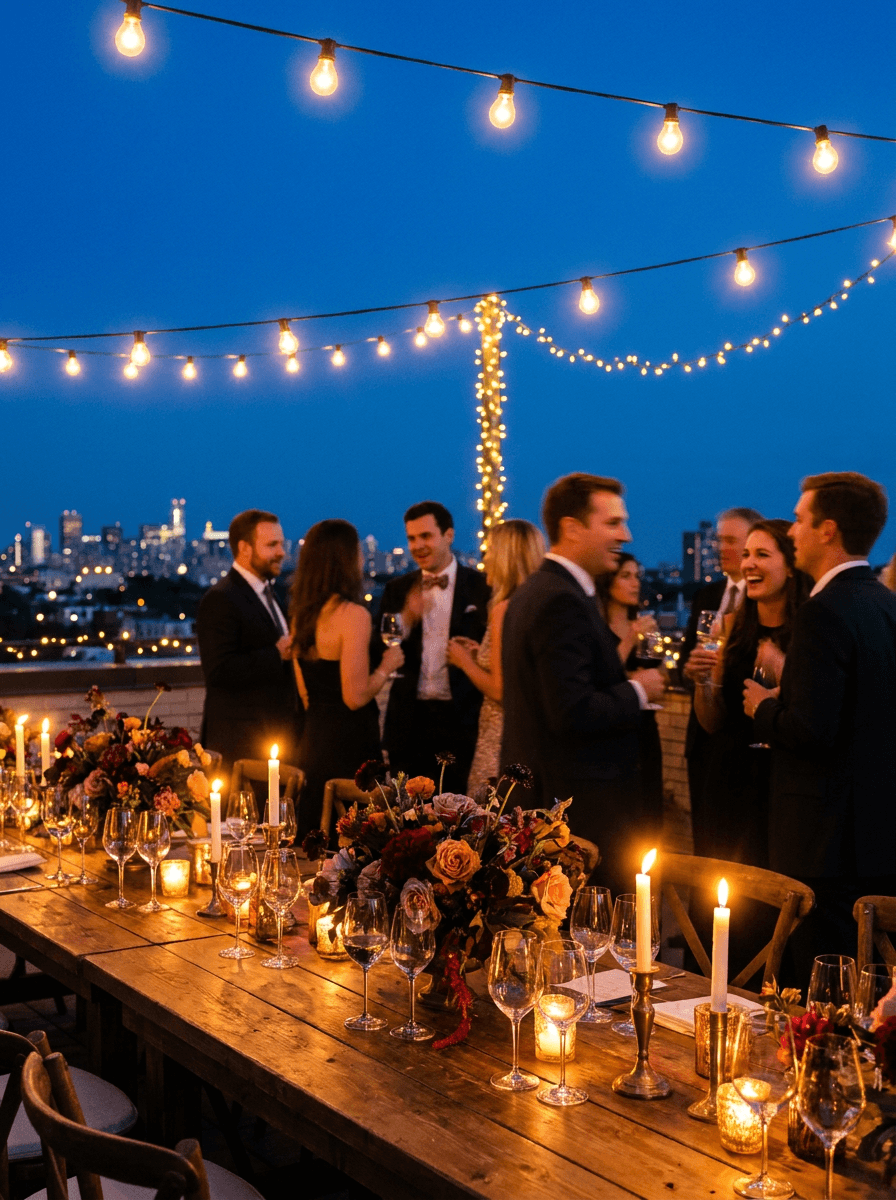
Event Atmosphere
Prompt
a lively rooftop dinner party scene at blue hour with string lights overhead, a long table with candles, wine glasses, and floral arrangements, guests softly blurred in warm conversation, golden fairy light glow mixed with deep blue sky, rich amber and violet tones, elegant festive mood, lifestyle event photography, photorealistic textures, shallow depth of field, 3:4 aspect ratio
For more prompt templates specifically designed for different content categories, the AI prompts for Instagram post images guide has 20 additional ready-to-use templates you can customize for your brand.
How to Build a Complete AI-Powered Instagram Workflow
The creators growing fastest on Instagram in 2026 are not the ones spending the most time on production. They are the ones who have built repeatable systems that let them produce quality content consistently.
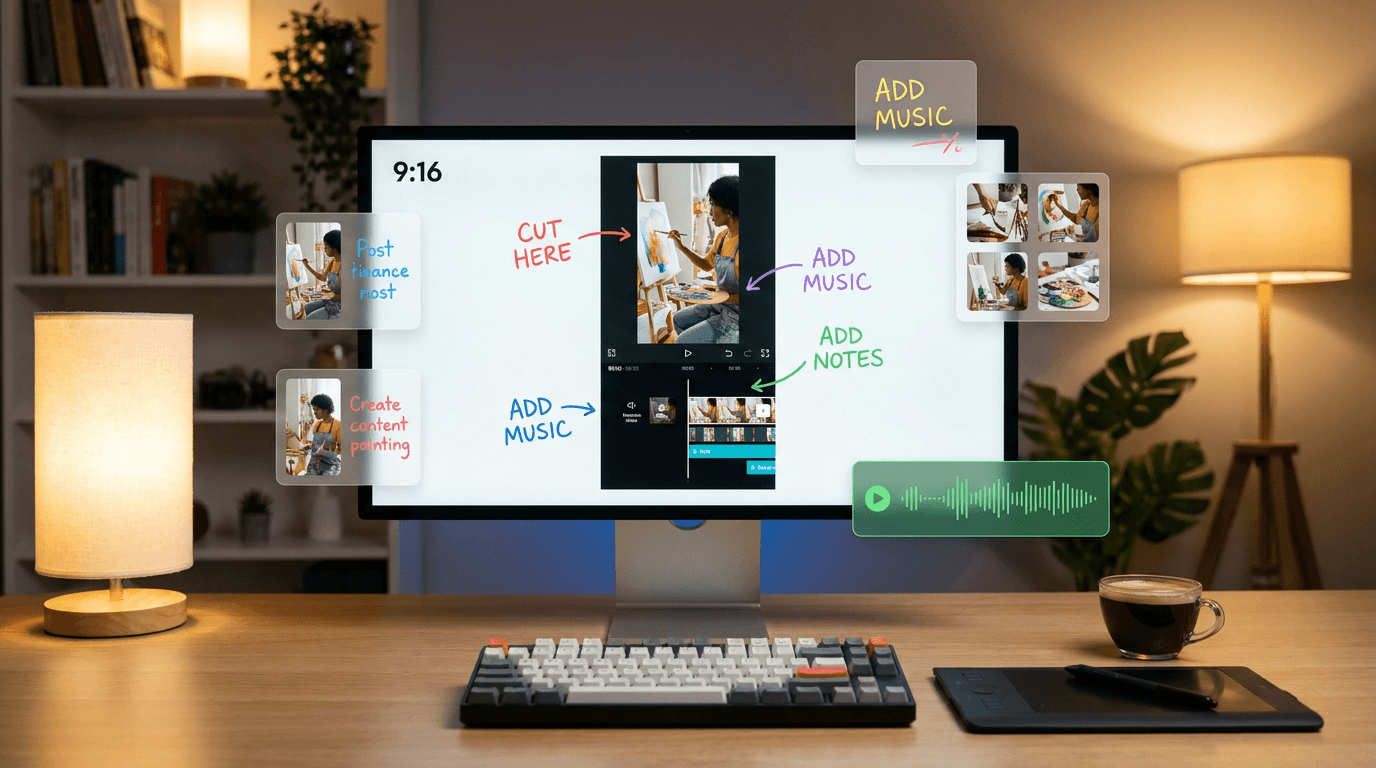
Here is a practical workflow that uses AI for every step of Instagram content creation.
Step 1: Plan Your Content Pillars
Before you generate anything, decide on 3 to 5 content pillars that define your account. These are recurring themes that your audience expects from you. Examples might include product showcases, educational tips, behind-the-scenes content, customer stories, and industry news.
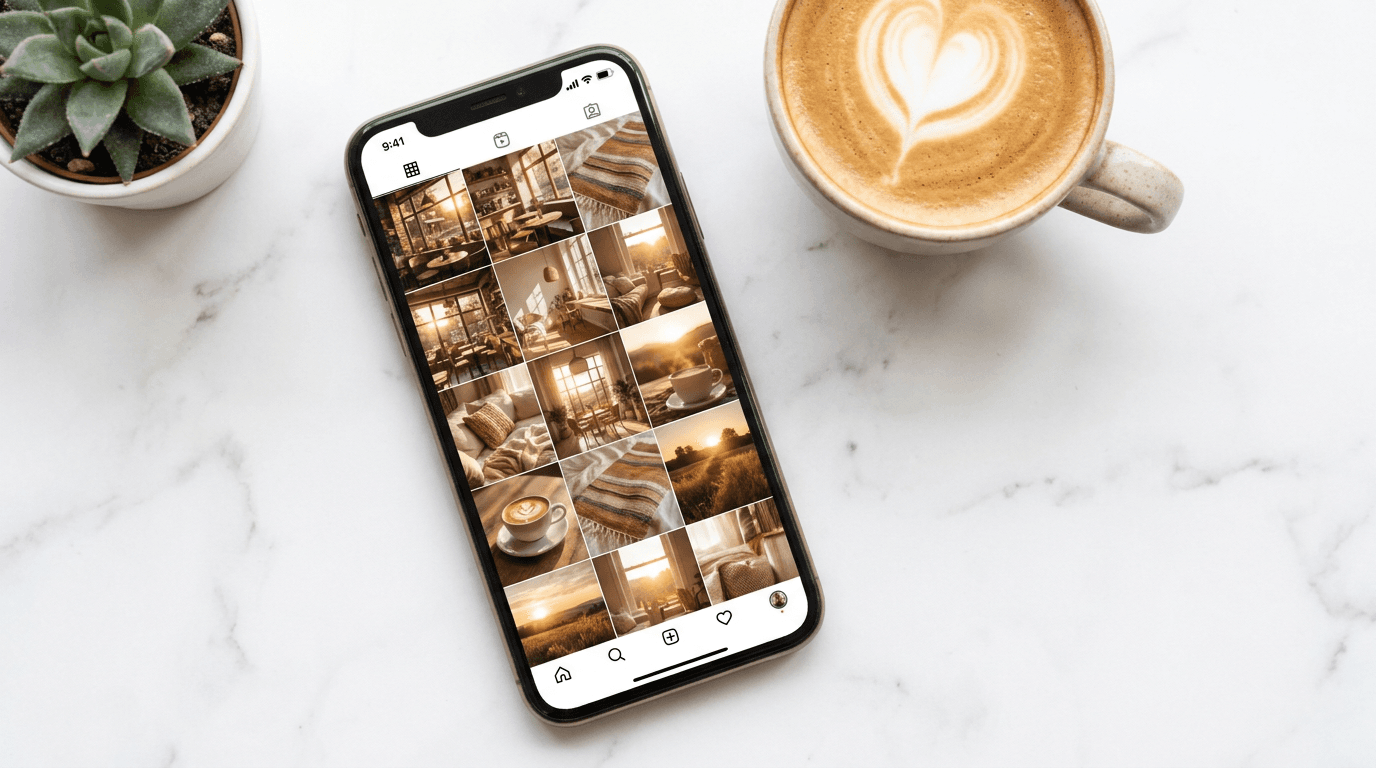
Each pillar should have its own visual style, but all pillars should share a consistent color palette and lighting approach. This is what creates a cohesive Instagram feed that makes people want to follow when they land on your profile. The guide on building a consistent visual style with AI covers these principles in depth.
Step 2: Generate Visuals in Batches
Instead of creating one image at a time, batch your visual production. Open the AI Image Generator on Miraflow AI, paste your base prompt, and generate multiple variations by changing only the subject while keeping your color palette, lighting, and style descriptors the same.
For example, if your brand aesthetic uses warm earth tones and soft natural lighting, keep those descriptors consistent across every prompt and only change what the image is about. This produces a grid that looks intentionally designed rather than randomly assembled.
Step 3: Create Reels from Topics
For Reels content, start with a topic and let AI handle the script and visual production.
Text2Shorts on Miraflow AI lets you enter a topic, select a visual style (animation or realistic), and automatically generate a script broken into segments. You review the script, adjust any wording, choose a voice and speed, and generate a finished vertical video.
Because Instagram Reels and YouTube Shorts use the same 9:16 vertical format, every Reel you create with Text2Shorts can also be posted as a YouTube Short and a TikTok, tripling your distribution from a single piece of content.
Step 4: Add Original Audio
Generate a custom background track using the AI Music Generator. For Instagram Reels, describe the mood you want in the music description field, toggle on "Instrumental," and generate. Download the track and layer it into your Reel.
Step 5: Design Cover Images and Thumbnails
Your Reel's cover image is what people see on your profile grid and in Explore. A clean, branded cover image can significantly improve how your profile looks and whether new visitors tap into your content.
Use the YouTube Thumbnail Maker to generate 9:16 cover images with bold text and clear visual hierarchy. Although the tool is designed for YouTube, it works perfectly for Instagram Reel covers and story highlights.
For inspiration on what visual styles drive the most clicks, the AI YouTube thumbnail styles that get more views guide covers composition patterns that work across platforms.
Step 6: Post, Analyze, and Iterate
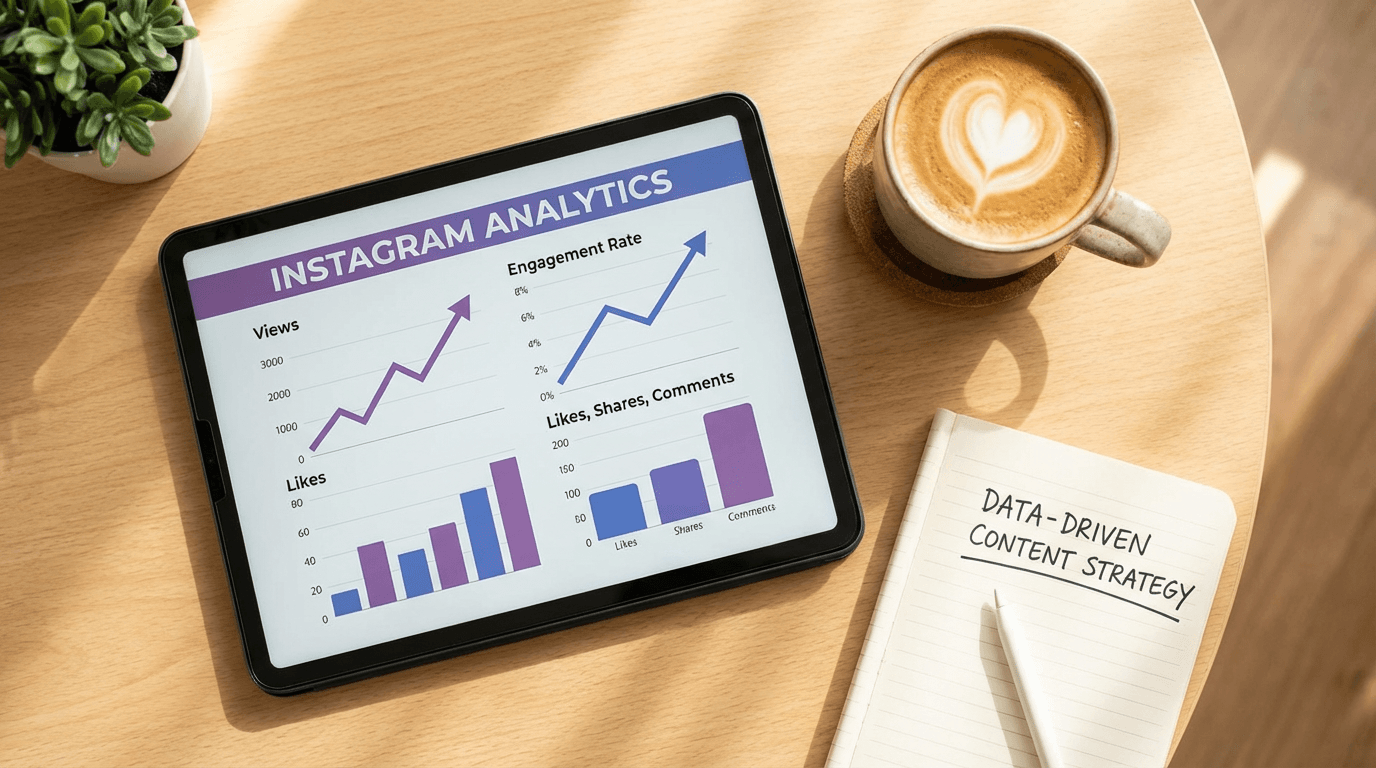
Post your content, then check Instagram Insights after 48 hours. Look specifically at watch time retention graphs for Reels, saves per reach for posts, and DM shares for both.
Content that gets high saves and DM shares is content the algorithm wants to distribute more widely. Double down on those formats and iterate.
The Instagram Algorithm Signals That Matter Most for AI Content
Understanding which signals the algorithm prioritizes helps you design AI content that performs rather than content that looks good but goes nowhere.
Instagram's 2026 algorithm update weighted four signals heavier: DM shares, saves, watch time, and profile clicks. If your content does not drive those, reach collapses.[1]
Here is what each signal means for AI content creators.
DM Shares are the strongest distribution signal on Instagram right now. Content that makes someone think "I need to send this to a friend" gets pushed to exponentially more people. For AI content, this means creating images and Reels that are useful, surprising, or relatable enough to share in a private conversation. Prompt packs, quick tutorials, before-and-after comparisons, and "this reminded me of you" content all drive DM shares naturally.
Saves indicate that someone found your content valuable enough to bookmark for later. AI-generated educational carousels, prompt templates, and step-by-step guides tend to generate high save rates because they contain reference material people want to revisit.
Watch time determines how far your Reels travel. The first 3 seconds decide everything, so your hook needs to be immediately compelling. AI tools help here because you can generate multiple hook variations quickly and test which one keeps people watching. The same first 3 seconds principle that applies to YouTube Shorts applies equally to Instagram Reels.
Profile clicks signal that someone is curious about you after seeing your content. A clean profile with a clear niche description, organized highlights, and a cohesive grid encourages follows. AI-generated images with consistent visual branding make your grid look professional and trustworthy at a glance.
7 Mistakes That Kill AI Content Performance on Instagram
Even well-produced AI content can underperform if you make these common mistakes.
1. Posting AI Content Without a Personal Angle
The fastest way to get ignored is posting generic AI images with no perspective or context. A pretty AI-generated sunset is not content. A pretty AI-generated sunset with a caption sharing your personal reflection on a recent trip, paired with a question that invites conversation, is content.
Always add your voice, perspective, or experience to AI-generated visuals. The AI handles production. You bring the meaning.
2. Inconsistent Visual Style Across Your Feed
If every post uses a different AI style, color palette, and composition approach, your profile grid will look chaotic. Viewers who land on your profile will not follow because there is no clear visual identity to connect with.
Pick a consistent set of style descriptors (color palette, lighting, composition) and reuse them across all your AI prompts. This is the same principle behind building a consistent YouTube thumbnail style, and it applies just as strongly to Instagram.
3. Ignoring the First 3 Seconds of Your Reels
With watch time as the #1 ranking factor and a 3-second retention threshold, your hook determines everything.[10] If your AI-generated Reel starts with a slow fade or a generic intro, viewers will swipe away before the algorithm even gets a chance to evaluate your content.
Start with the most visually compelling or curiosity-driving moment. Show the result first, then explain how you got there.
4. Producing Volume Without Testing Variations
Posting five similar AI-generated images per week teaches you nothing. Instead, test different formats, hooks, and visual styles with small batches, then double down on what performs.
The 10 AI Shorts formats that go viral guide gives you a library of proven formats to test systematically rather than guessing at random.
5. Using Vague Prompts That Produce Generic Images
Prompts like "beautiful Instagram photo" give you something that looks like every other AI-generated image on the platform. Specific prompts that describe the subject, lighting, composition, color palette, and mood produce visuals that stop the scroll.
The Nano Banana prompt guide covers exactly how to structure prompts for clear, reliable results. The same principles apply whether you are generating thumbnail images or Instagram posts.
6. Ignoring Captions and SEO
Keywords in captions and profiles are now more effective for discovery than hashtags, which no longer support follows.[1] Many creators spend all their effort on the visual and treat the caption as an afterthought.
Instagram's AI reads your captions to understand what your content is about and who to show it to. Include clear, searchable keywords in your captions. Write naturally, but make sure the main topic of your post is explicitly mentioned. For tips on writing optimized descriptions, the YouTube Shorts titles and descriptions guide covers SEO writing principles that translate well to Instagram captions.
7. Not Cross-Posting to Other Platforms
Every Reel you create for Instagram can also be posted as a YouTube Short and a TikTok. The 9:16 vertical format is universal across all three platforms. Creators who cross-post effectively triple their distribution from the same piece of content.
For platform-specific optimization, the YouTube Shorts best practices 2026 and TikTok best practices 2026 guides cover what each platform's algorithm specifically rewards.
Understanding the AI Creator Label and Transparency
Instagram's new AI Creator label deserves attention because it signals where the platform is heading.
"This profile posts content that was generated or modified with AI,"[7] the label reads when someone taps on it. But, importantly, the "AI creator" labels are entirely optional.[7]
As Meta spends money on AI development, the tech giant is also taking steps to encourage "original" content on Instagram. With the testing of "AI creator" tags, Meta is likely attempting to encourage the flow of original content through its social platforms without excluding creators dabbling in AI-generated content.[5]
For creators using AI tools, the practical advice is straightforward. Be transparent about using AI when it makes sense for your brand. Focus on originality rather than trying to hide AI involvement. And remember that the algorithm evaluates engagement quality, not production method.
The EU is also introducing mandatory labeling requirements for AI-generated content. Starting August 2, 2026, the European Union will enforce mandatory disclosure for content created with the help of AI.[10] If you have an audience in Europe, this is something to prepare for now rather than scrambling when the deadline arrives.
Generating AI Content for Instagram with Miraflow AI
The entire Instagram content pipeline, from images to Reels to music, can be built inside Miraflow AI without switching between multiple tools.
Here is how each feature maps to Instagram content types.
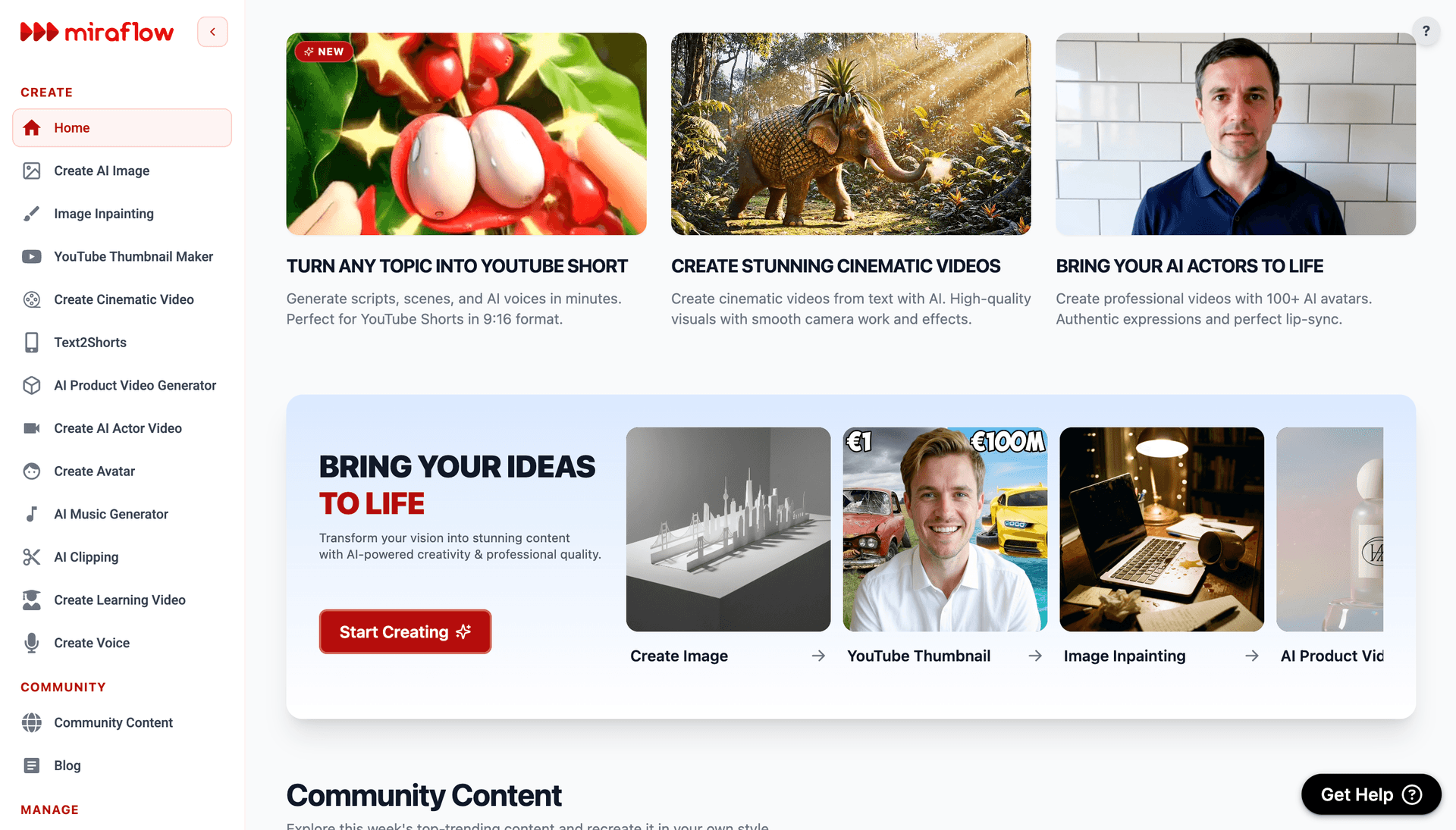
For feed posts and carousels, use the AI Image Generator with any of the 15 prompts above or the expanded library in the Instagram post images prompt guide. Generate in 3:4 for maximum feed space or 1:1 for a clean square grid.
For Reels, use Text2Shorts to go from topic to finished vertical video. Enter your idea, select animation or realistic style, edit the generated script, and produce a complete Reel with voice and visuals. The same video works on Instagram, YouTube Shorts, and TikTok.
For cinematic B-roll and ad-style Reels, the Cinematic Video Generator creates 8-second hyper-realistic video clips from text prompts. These work well as attention-grabbing intro clips for longer Reels or as standalone visual content.
For background music, the AI Music Generator produces custom tracks in Simple or Custom mode. Describe the mood, set it to instrumental, and you have a unique audio track ready to use.
For Reel cover images and branded visuals, the YouTube Thumbnail Maker generates bold, clean designs with text overlays that work equally well as Instagram Reel covers.
For image editing and refinement, the Image Inpainting tool lets you mask specific parts of any AI-generated image and replace just that region. Want to change the background color of a product shot without regenerating the whole image? Inpainting handles that in seconds.
A 7-Day Instagram AI Content Plan You Can Start This Week
If you want a simple starting plan, here is a week of Instagram content you can produce entirely with AI tools.
Day 1 (Monday): Generate 3 product or lifestyle images for feed posts. Use consistent prompts with your brand's color palette. Schedule one for today.
Day 2 (Tuesday): Create one Reel using Text2Shorts. Pick a topic from your niche (a quick tip, a common mistake, or a behind-the-scenes workflow). Generate the video, add a custom AI music track, and post.
Day 3 (Wednesday): Post the second feed image from Monday's batch. Write a caption with a question that invites DM shares or saves.
Day 4 (Thursday): Create a 5-slide carousel. Use AI to generate a clean branded background, then add text overlays with actionable tips. Carousels consistently drive saves and swipe-throughs.
Day 5 (Friday): Create a second Reel. Use a different format from Tuesday (if you did a tips format, try a before-and-after or a "you're doing it wrong" style).
Day 6 (Saturday): Post the third feed image. Use Stories to poll your audience on what content they want more of.
Day 7 (Sunday): Review Instagram Insights. Check which post got the most saves, which Reel had the best watch time, and which content got DM shares. Plan next week around what worked.
This plan produces 3 feed posts, 2 Reels, and 1 carousel in a single week. With AI handling the production, the actual time investment is a few hours total rather than a full work week.
For a similar planning approach applied to YouTube, the 30-day YouTube Shorts plan covers how to structure content testing over a full month.
Frequently Asked Questions
Does Instagram penalize AI-generated content?
No. Instagram has stated that using the AI Creator label does not impact algorithmic distribution. What Instagram penalizes is low-quality, reposted, or engagement-bait content. AI content that is original, well-designed, and generates genuine engagement is treated the same as any other content by the algorithm.
What is the best aspect ratio for Instagram AI images?
Portrait 3:4 takes up the most feed space and generally performs best for feed posts. Square 1:1 works well for grid consistency and carousel slides. For Reels and Stories, always use 9:16 vertical format.
How often should I post AI content on Instagram?
Three to five posts per week on the feed, supplemented by daily Stories and two to three Reels, is a strong baseline for most creators in 2026. Consistency matters more than volume. It is better to post three high-quality AI images per week than seven low-effort ones.
Can I use the same AI Reel on Instagram, YouTube, and TikTok?
Yes. The 9:16 vertical format is standard across all three platforms. Content created with Text2Shorts can be posted on Instagram Reels, YouTube Shorts, and TikTok without reformatting. Each platform has slightly different algorithm signals, but the core content works everywhere.
Do I need to disclose that my content is AI-generated?
Instagram's AI Creator label is currently optional. However, the EU will enforce mandatory AI content disclosure starting August 2026. If you have a European audience, prepare to include clear AI disclosure. Even outside regulatory requirements, transparency about AI use can build trust with your audience.
What types of AI images work best on Instagram?
Images with a clear focal point, consistent color palette, professional lighting, and specific compositions outperform generic AI outputs. Product shots, lifestyle flat lays, editorial-style portraits, and clean branded backgrounds for text overlays all perform well when generated with detailed prompts.
How do I make my AI content feel authentic?
Add your personal perspective through captions. Use AI to handle the visual production, but bring your own ideas, opinions, and voice to every post. Respond to comments with genuine conversation. Show your process and behind-the-scenes workflow. Authenticity comes from your perspective, not from whether a camera or an AI produced the image.
Will the Instagram algorithm show my AI content to fewer people?
Not if the content performs well. The algorithm evaluates engagement signals like watch time, saves, shares, and profile clicks. If your AI content generates strong signals in these areas, it will be distributed as widely as any human-created content.
Conclusion
Instagram in 2026 is not fighting AI content. It is creating infrastructure to support it. The new AI Creator label, expanded creation tools inside the app, and an algorithm that rewards original content regardless of production method all point in the same direction: AI-generated content is welcome, as long as it is good.
The creators who will grow fastest this year are the ones who combine AI production speed with genuine creative perspective. Use AI to handle visuals, music, video editing, and repetitive production tasks. Bring your own ideas, voice, and value to everything you post.
Start with the prompts and workflows in this guide. Generate your first batch of Instagram content inside Miraflow AI, where you can create AI images, Reels with Text2Shorts, cinematic video clips, AI music, and thumbnails from a single platform. Test, measure, iterate, and let the algorithm reward you for showing up with polished, original content at a pace that used to be impossible.
References
- AI Studio Policy
- How the Instagram Algorithm Works: Your 2026 Guide
- Instagram reach dropped in 2026? Here is why and how to fix it
- Powerful AI Tools For Instagram Reels That Go Viral 2026
- How Instagram uses artificial intelligence to moderate content
- Instagram algorithm tips for 2026: Everything you need to know
- Instagram Growth in 2026: Algorithm Secrets & Audience Building Strategies | EarnifyHub
- Faceless Instagram Reels Guide 2026: Create Viral Reels | Korpi AI | Korpi AI Blog
- Instagram adds AI Creator labels | Social Media Today
- Best AI Tools for Instagram Growth in 2026 (Ranked by Use Case)
- How to Make AI Instagram Reels That Go Viral in 2026 | Wireflow Blog
- Instagram AI Content Rules: What Creators Must Know – Jack Righteous
- 2026: AI Drives Performance - About Meta
- Free Instagram Reels Maker – Create Reels with AI | Invideo
- Instagram Unveils New 'AI Creator' Account Label 05/06/2026
- The State of Social Media Engagement in 2026: 52M+ Posts Analyzed
- What Is the Best AI Video Generator for Instagram Reels? Here's the Answer (2026)
- Instagram CEO: 2026 will favour raw, real human content
- Instagram Algorithm Works: Complete Guide For 2026 Updates
- Increase Instagram Engagement: 10 Strategies
- Powerful AI Tools for Instagram Reels That Go Viral in 2026 | by TechbyDevansh | Apr, 2026 | Medium
- Instagram is testing optional 'AI creator' labels - Engadget
- Instagram Algorithm 2026: What Changed, Ranking Signals & Growth Tips That Work
- Engagement Rate Benchmarks by Creator Niche 2026 |...
- 7 Best AI Instagram Reel Generators for Viral Content in 2026
- Instagram's New "AI Creator" Label Could Put AI-Heavy Pages on Notice
- How the Instagram Algorithm Works Updated2026Updated 2026Updated2026 | Sprout Social
- Instagram algorithm in 2026: rank signals for growth
- How To Go Viral on Instagram Reels: 2026 Guide
- Instagram Introduces ‘AI Creator’ Label to Profiles, Pushes Transparency in Content
- Instagram Algorithm Strategies 2026: AI & Meta Updates
- Cracking the Code: Mastering the 2026 Instagram Algorithm | DMX Marketing
- 50 Instagram Reels Ideas to Try in 2026 | ImagineShorts
- AI labeling requirement starting in 2026: What you need to know
- Instagram Algorithm 2026: How It Works + Optimization Guide
- Instagram Algorithm 2026: 5 Ranking Signals Mosseri Confirmed (Updated April)
- Free AI Reel Generator - Create Viral Reels & Shorts Instantly