Google Ads Now Show in AI Mode With Personal Intelligence: What Advertisers Need to Know (2026)

Written by
Aerin Kim
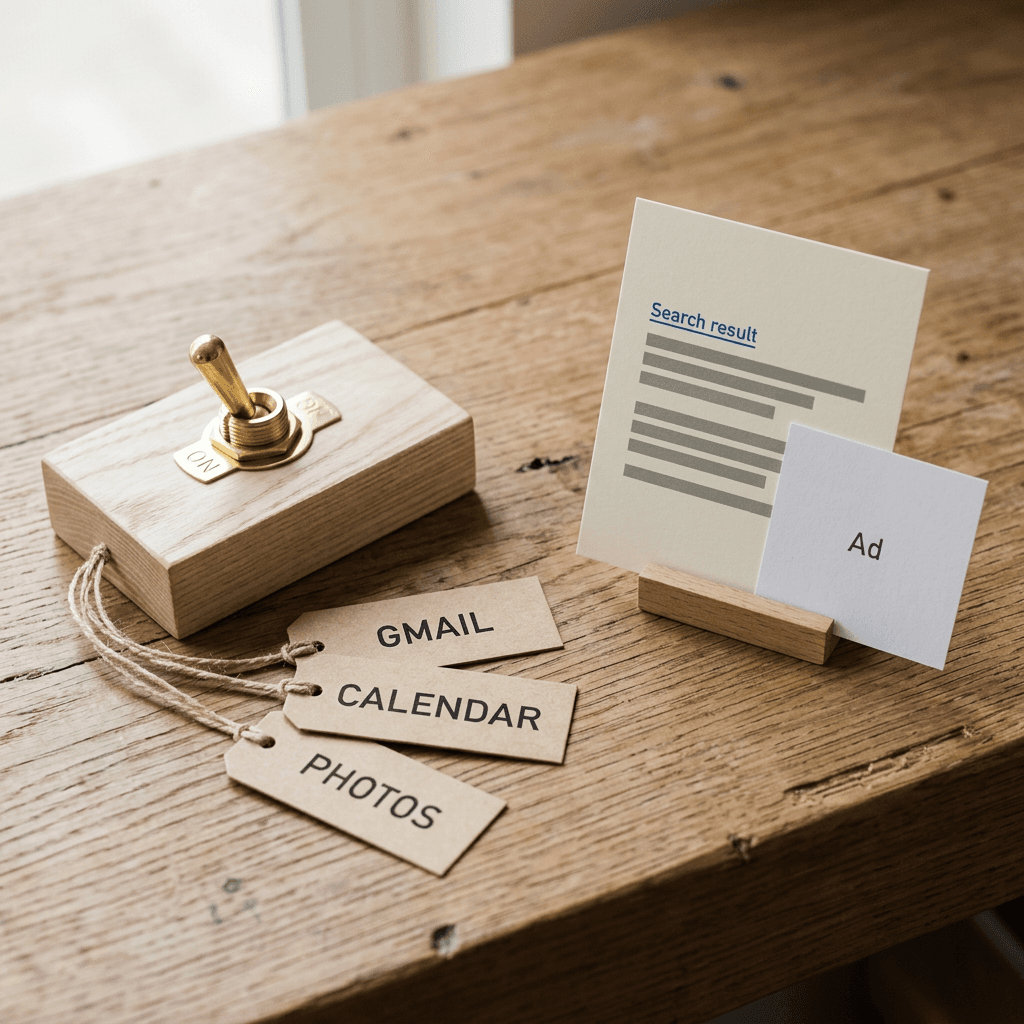
Google is testing ads in AI Mode for people who connect Gmail, Calendar and Photos through Personal Intelligence, after promising none. See what changed, what Google says about data, and how to prepare.
If you have spent the past year getting your Google Ads account ready for AI Mode, you may have filed away one comforting assumption: the most personal version of AI Mode, the one that can draw on a user's Gmail, Google Calendar and Google Photos, would stay free of ads. Google said as much in March 2026. Around October 16 and 17, a Google spokesperson told Search Engine Land that Google is now testing ads in AI Mode for users who connect their apps through Personal Intelligence, and on October 19 Barry Schwartz summed it up at Search Engine Roundtable under the headline Google Ads Now In AI Mode With Personal Intelligence.
The first questions most advertisers ask are whether they can target these users, exclude them, or at least see them in a report. Based on what Google and the trade press have published so far, the answer to all three is no, because no new campaign type, opt-in or targeting option has been announced. That makes preparation the real task here, since there is no new button to press. You control the quality of what Google's systems have to work with (feeds, assets, landing pages, first-party data, conversion tracking and brand guardrails), and you control how carefully you read results on a surface that your reports cannot isolate.
This guide covers what changed, what Google says about ads and personal data, what stays the same for advertisers, four worked scenarios (a hotel, a local restaurant, a direct-to-consumer skincare brand and a B2B software company), how to word ads that may appear next to a personal answer, a measurement plan, a checklist table and the mistakes I expect teams to make first. When you reach the creative work, the Miraflow AI image generator and the rest of Miraflow are where I would build the assets, and I point to the right spots as we go.
TL;DR
- Google told Search Engine Land (reported around October 16 and 17, 2026) that it is testing ads in AI Mode for people who connect their apps through Personal Intelligence. In March 2026 Google had said there were no ads for people who connect their apps with AI Mode.
- Ads in AI Mode generally are not new. What is new is that ads can appear when Personal Intelligence is active, which means the answer above or around the ad may be personalized using Gmail, Google Calendar or Google Photos.
- Google's help page now says ads will not be based directly on a user's Gmail inbox or Google Photos library, that search may reference summaries, excerpts and inferences from those sources, and that the same information may be used to show ads. Advertisers do not get access to the inbox or the photo library.
- Google says it does not show personalized ads based on sensitive categories such as race, religion, sexual orientation or health.
- No new campaign type, opt-in, targeting option or reporting segment has been announced for advertisers, so your levers are the existing ones: eligible campaign coverage, feeds, assets, landing pages, first-party data, conversion tracking and careful copy.
- Google has not published how many users have the feature on, which countries are in the test, or how long it will run, so plan for a small, uneven and changing slice of traffic rather than a new channel.
What Changed: From Ad-Free in March to Testing Ads in October
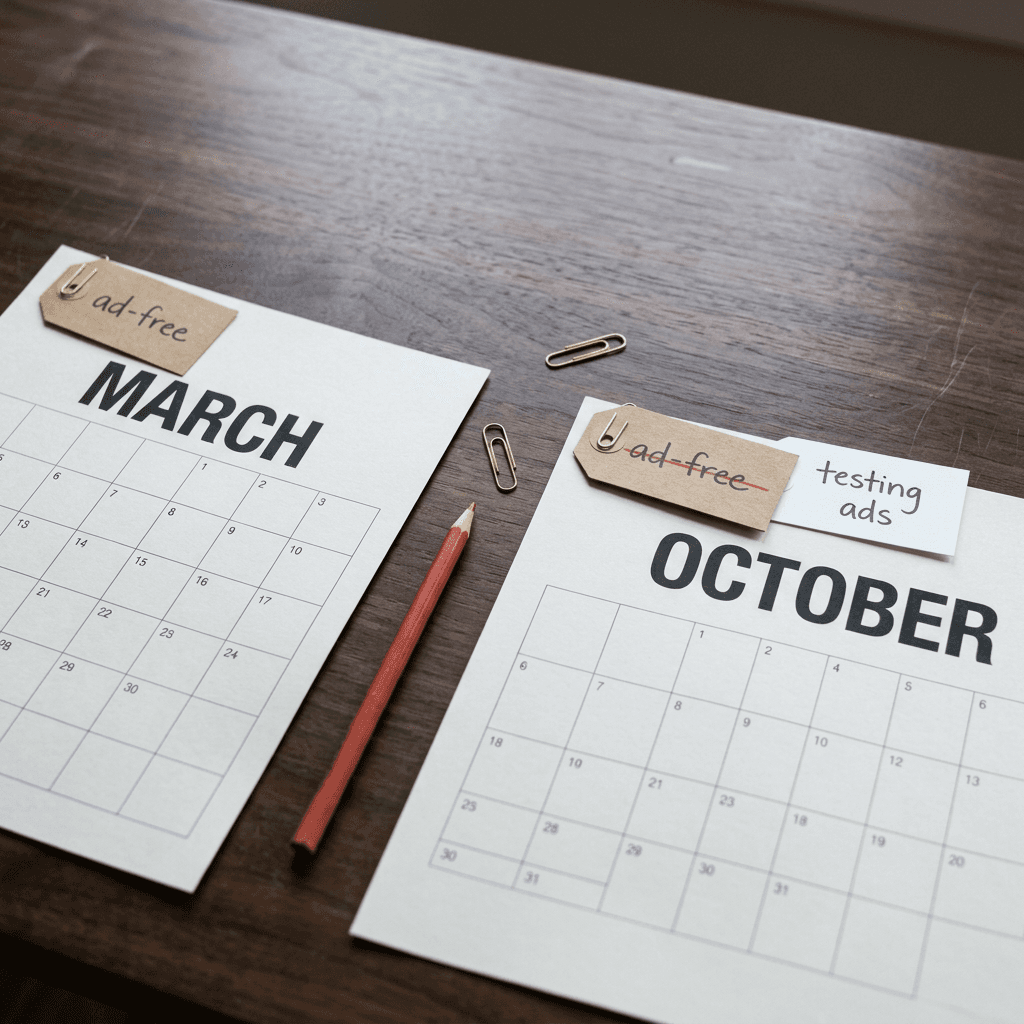
The cleanest way to understand the reversal is to put Google's own words side by side. In March 2026, Google told Search Engine Land's Anu Adegbola: "There are currently no ads for people who choose to connect their apps with AI Mode. That isn't changing right now." In the same statement Google added: "In the future, we anticipate that ads will operate similarly for people who choose to connect their apps with AI Mode." Seven months later, a Google spokesperson told Search Engine Land that Google is starting to test ads in AI Mode in Search for users who connect their apps through Personal Intelligence.
| When | Source | What was said or reported |
|---|---|---|
| Late January 2026 | TechCrunch (January 22) | Personal Intelligence expands from Gemini to AI Mode, initially for Google AI Pro and Ultra subscribers in the US as a Labs opt-in; Workspace business, enterprise and education accounts excluded at launch |
| March 2026 | Google to Search Engine Land (Anu Adegbola) | No ads for people who choose to connect their apps with AI Mode, with Google adding that this was not changing right now and that ads were anticipated to operate similarly in the future |
| Around October 16 and 17, 2026 | Google spokesperson to Search Engine Land | Google is testing ads in AI Mode for users who connect their apps through Personal Intelligence, reversing the earlier ad-free approach |
| October 19, 2026 | Search Engine Roundtable (Barry Schwartz) | Publishes Google Ads Now In AI Mode With Personal Intelligence, noting that ads in AI Mode already existed but ads with Personal Intelligence active are new |
| Current help page | Google Search Help | The Personal Intelligence page now includes an ads question and answer that the earlier archived version did not have |
Search Engine Roundtable framed the October news as a reversal of the earlier ad-free approach, and that is a fair reading of the headline facts. It is worth noticing, though, that the March statement already carried two hedges: the words "right now" and a forward-looking sentence anticipating that ads would eventually operate similarly. Anyone reading that statement closely could have guessed that the ad-free window was temporary. What was missing was timing, and the October test supplies it. That distinction matters for planning, because it suggests the direction (ads wherever AI Mode runs) was always the expected end state, while the pace and the guardrails are what Google is still working out in public.
It also helps to be precise about what did not change. Ads in AI Mode have existed for a while, and our earlier posts on the exact and phrase match test in AI Mode and the Direct Offer asset for AI Mode promo codes cover how advertisers have been reaching that surface. The October change is narrower and more sensitive: it puts ads in front of people whose AI Mode experience is shaped by apps they chose to connect. Google says the ads remain relevant to things like the query, the context of the response and the user's interests, which is language that sounds familiar until you remember that the context of the response may now include a summary of a calendar or an inferred preference.
What Personal Intelligence in AI Mode Actually Is
Personal Intelligence started in Gemini and then expanded to AI Mode in late January 2026. TechCrunch reported on January 22, 2026 that it arrived in AI Mode first for Google AI Pro and Ultra subscribers in the US as an opt-in Labs experience, with Workspace business, enterprise and education accounts excluded at launch. Google's current help page reads more broadly. It lists availability for users 18 and older across many countries, territories and languages, and it does not mention a subscription. The requirements it does list are a personal Google Account, Personalized Recommendations turned on, and at least one connected content app.
The connectable apps are Gmail and Google Calendar (Calendar only in US English) and Google Photos (not available in every region). Ask Maps uses Gmail only. The example Google gives is deliberately mundane: past restaurant reservations can personalize restaurant suggestions. That example is worth keeping in mind because it shows the realistic shape of this feature. The realistic shape of the feature is an assistant that knows you booked a quiet Italian place in the spring and a loud taco place last month, and tunes its recommendations to match.
Turning it on takes a handful of steps. In your Google Account you open Search Services Personalization, make sure Personalized Recommendations is on, go to Additional Personal Intelligence and Connected Content Apps, and select Connect next to Google Workspace, Google Photos or both. Google's instructions also point to Gmail's Smart features in other Google products setting, and for Photos to Face Groups and Estimate missing locations, as switches that improve personalization. You can run through this path yourself to see the consent screens your potential customers see, which is a useful ten minutes for any marketer who is about to write copy for this environment.
For advertisers, the layered opt-in has a practical consequence. Every user has to take several deliberate steps, and each of those steps can be reversed. Google has not published how many people have connected their apps, so the honest planning assumption is that the affected slice of AI Mode traffic is smaller than AI Mode as a whole and that it can shift from week to week as people connect, disconnect or discover the feature. It is also a self-selected group, which tends to mean people who are comfortable with an assistant that knows their schedule and receipts, and that may not match your average customer.
What Google Says About Ads and Your Data
The most important new text is a question and answer on the Personal Intelligence help page at support.google.com/websearch/answer/16859283. It was not in the earlier archived version of the page, so it appears to have been added alongside the test. Reading it carefully is worthwhile because the wording is more nuanced than the headline.
Google states that ads will not be based directly on your Gmail inbox or your Google Photos library. In the same breath, it says that search may reference summaries, excerpts and inferences from these sources to personalize the user's experience, and that the same information may be used to show ads, so that they are even more helpful for the user. Put together, the word that carries the weight is directly. Your ad is not triggered by a raw email, but a summary or an inference derived from that email can influence what the answer says, and the same derived information may influence which ad appears. Google has not published a technical description of where the line between direct and derived sits, so advertisers should avoid claiming certainty in either direction.
Two further statements are aimed squarely at advertisers. Advertisers will not have access to a user's Gmail inbox or Google Photos library, which means you cannot receive, buy or upload those signals and nobody at your agency should promise otherwise. And Google says it does not show personalized ads based on sensitive categories such as race, religion, sexual orientation or health. If your business sits near one of those lines (medical services, wellness products with health claims, support groups, dating, religious organizations), the sensible assumption is that the personalized layer will be thinner or absent for you, though Google has not published how it applies the rule in practice.
The last piece is user control. People can choose whether to connect apps and can disconnect them at any time. Disconnecting an app, or deleting data inside it, does not delete Search Services History, which people can review and manage at activity.google.com. From your side, that means the audience of connected users is volatile by design. A strategy that depends on a stable pool of personalized impressions will be fragile, while a strategy that improves everything Google's systems can see about your offer will keep paying off whether the user has connected an app or not.
| What Google says | What it means for advertisers |
|---|---|
| Ads will not be based directly on your Gmail inbox or your Google Photos library | There is no raw-email or photo trigger to bid on, and no keyword-style link between a specific message and your ad |
| Search may reference summaries, excerpts and inferences from these sources, and that same info may be used to show ads | The answer and the ad context can be shaped by derived signals you cannot see, so your ad has to work across many conversational contexts |
| Advertisers will not have access to your Gmail inbox or Google Photos library | There is no data to buy, upload or receive, so treat any vendor claiming access with suspicion |
| Google does not show personalized ads based on sensitive categories such as race, religion, sexual orientation or health | If you operate near these topics, expect thinner personalization and keep claims careful and verifiable |
| Users can disconnect apps at any time, and disconnecting does not delete Search Services History | The personalized audience is volatile, so do not build a plan on a stable pool of connected users |
| Ads remain relevant to things like your query, the context of the response and your interests | Query and response context may be richer than a keyword list implies, which rewards specific assets and pages |
What Has Not Changed for Advertisers
It is easy to read a headline like this and conclude that a new product has launched. As far as Google and the trade coverage have described, it has not. There is no announced campaign type for Personal Intelligence placements, no checkbox to opt in or out, no audience segment named after the feature and no announced reporting column. A Google spokesperson described it as a test, and tests of this kind tend to change quickly, so treat everything in this post as the situation as of October 20, 2026.
On inventory, the most useful framing is a hedged one. AI Mode ads have so far served from existing campaign types, with Google's earlier AI Mode ads announcements and the trade coverage naming products such as AI Max for Search, Performance Max, broad match paired with Smart Bidding, Dynamic Search Ads and Shopping campaigns, and with a September 2026 test extending eligibility to exact and phrase match in limited cases. Google has not published a separate eligibility list for ads shown alongside Personal Intelligence, so the safest working assumption is that the same inventory sources apply and that no special setup is required. Check Google's current documentation for your account type, because eligibility details change faster than blog posts do.
That assumption has a direct implication for account structure. If your account runs only tightly controlled exact match keywords, you were mostly outside AI Mode inventory until the recent test, and you may still see limited exposure. If your account runs AI Max, Performance Max, broad match with Smart Bidding or Shopping, you were already in the pool of campaigns that can be considered, which means this change may reach you without any action on your side. Our explainers on AI Max for Shopping and AI Brief for AI Max cover the two newest ways Google lets you steer those automated products.
The related AI Mode commerce features continue to roll out in parallel. The Universal Cart coverage and the agentic commerce holiday updates describe how checkout and offers are moving inside Google's AI surfaces. Together they point to an AI Mode where the answer is tailored, the offer is attached and the purchase can finish without a long trip through your site, and a personalized answer is one more step in that direction.
How a Personalized Answer Changes the Ad Moment
A classic search ad meets the user at a keyword. An AI Mode ad meets the user in a conversation, and a personalized AI Mode ad meets them in a conversation that may already contain specifics. Google says the ads are relevant to the query, the context of the response and the user's interests, and each of those three inputs is richer when Personal Intelligence is on. The query tends to be longer and more conversational, the response may reflect a calendar entry or a past booking, and the interest profile may be informed by summaries of connected content.
For advertisers, three practical effects follow, and I want to be clear that they are reasoned expectations rather than published findings. First, the same product can be shown against very different conversational contexts, so your ad copy and landing page need to hold up in a wider range of situations than a keyword list implies. A hotel ad might sit under an answer about a conference trip, a family reunion or a weekend away, and the best landing page serves all three without feeling mismatched.
Second, contrast matters. When an assistant has just given someone a tailored answer, a generic ad directly beneath it may feel flatter than the same ad would on a standard results page. That raises the value of specific, concrete assets such as real prices, real availability, real photos and a clear next step. Generic superlatives are the first thing to lose.
Third, trust carries more weight. A user who has deliberately connected their inbox to an assistant is more likely to be sensitive to anything that feels like the ad knows too much. Google says ads are not directly based on the inbox, but a user will not read the help page before reacting to your copy. The safest creative stays about the offer and the context of the question, and leaves the person's private details out of the wording entirely. I come back to this in the messaging section below.
Worked Scenarios: What a Personalized Answer and Ad Could Look Like
The four scenarios below are illustrations I invented to help you plan. They are not captured AI Mode output, Google has not published examples of ads in this experience, and the exact placement and format may differ from what I describe. Each scenario pairs a hypothetical answer with the preparation I would do.
| Business | Hypothetical personal context | What to prepare | Copy rule |
|---|---|---|---|
| Boutique hotel | A flight confirmation and conference dates sitting behind a where-to-stay question | Live rates and dates, cancellation policy, walking distance, accurate room photos, booking conversions | Never mention the traveler's trip or plans |
| Neighborhood restaurant | Past reservations shaping a dinner suggestion, which is Google's own example | Business Profile accuracy, a text menu, a working reservation link, separate call and reservation conversions | Describe the occasion fit and never the diner's history |
| DTC skincare brand | Order receipts from other beauty retailers | Complete Merchant Center feed, ingredient and size detail, Customer Match exclusions, cosmetic-only claims | Avoid assumptions about skin concerns or conditions |
| B2B software company | A founder researching tools on a personal Google Account | Integration and pricing page, comparison page, qualifying lead form, offline conversion import | Avoid assumptions about the buyer's company, calendar or clients |
Scenario 1: A boutique hotel near a convention center
Imagine a traveler who has a flight confirmation in Gmail and a three-day conference on their calendar. They ask AI Mode where to stay within walking distance of the convention center in the spring. A personalized answer might reflect the dates and the likely arrival day, then list a few hotels. An ad for a boutique hotel appears beneath the answer with a rate and a book button.
What the hotel controls is everything a stay decision depends on. Rates and availability on the landing page must match what the ad implies, and the page should accept dates without forcing the visitor to start over. The cancellation policy, the walking distance to the venue and the check-in and check-out times should appear above the fold, because a traveler comparing three options will not hunt for them. Photos should show the room that is actually booked, not a flattering suite. If your business takes bookings as a conversion, our explainer on the new Bookings conversion type in Performance Max is worth reading, and for the visual side the hospitality prompt guide shows how to build room and lobby images that look like the real property. One rule for copy: never write a line like we noticed you are traveling next month. The ad should read as if it would make sense for any traveler asking that question.
Scenario 2: A neighborhood restaurant
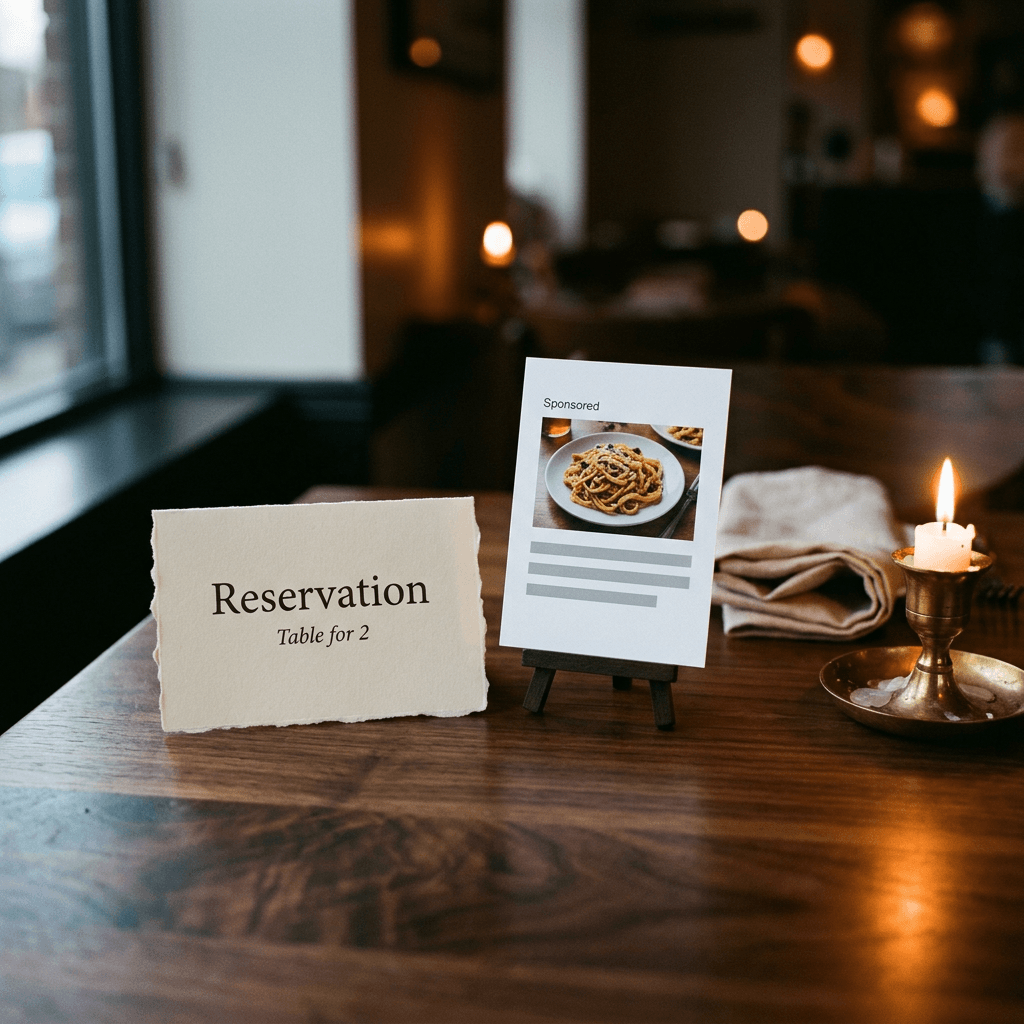
Google's own example is the closest to this scenario. A diner has past restaurant reservations in Gmail and asks AI Mode for a place to celebrate a birthday on Saturday, somewhere with the feel of a place they liked in the spring. A personalized answer might lean toward intimate, reservation-friendly spots, and a sponsored listing for a neighborhood restaurant could appear with a reservation button.
The restaurant cannot see the diner's history and does not need to. It needs to make itself legible to an assistant that is matching a mood. That means a Business Profile with accurate hours, a menu published as readable web text rather than an image-only PDF, a reservation link that actually works on a phone, current photos of the dining room and a handful of recent reviews that mention the occasions you want to win (birthdays, anniversaries, groups). If you run local campaigns, the Local Customer Optimization explainer covers how store visits and sales can be fed back, and the Local Services direct booking post is relevant if you are in a category that uses it. Track the reservation click and the phone call as separate conversions so you can tell which path an AI Mode visitor takes, and use the food photography prompt guide to produce dish images that match what the kitchen really sends out.
Scenario 3: A direct-to-consumer skincare brand
A shopper whose Gmail holds order confirmations from several beauty retailers asks AI Mode for a lightweight daily sunscreen that will not clash with a vitamin C serum. A personalized answer may reflect brands the shopper has bought from before. A Shopping ad for a sunscreen appears with price, size and rating.
The preparation here lives in the Merchant Center feed. Titles should carry the attributes shoppers actually ask about (product type, finish, size, skin type in plain words), descriptions should cover ingredients and how the product pairs with common routines, and shipping and returns should be accurate and visible. Because skincare can drift toward health topics, keep claims cosmetic and verifiable, since Google says it does not personalize ads on health, and medical-sounding claims are risky for policy reasons anyway. Customer Match deserves attention too. If an assistant infers purchase history, you do not want to bid aggressively to acquire people who already buy from you, so upload your customer list, review how your lists are labeled (our post on customer list auto-classification explains why that matters for Smart Bidding) and decide deliberately where existing customers should be excluded, retargeted or offered a refill. The skincare prompt guide helps with product visuals, as long as the generated image shows the real bottle and the real label.
Scenario 4: A B2B software company
A founder at a five-person agency asks AI Mode for an invoicing tool that connects to their accounting software and handles multiple currencies. The answer might reflect an upcoming client call from the calendar, and an ad for an invoicing product appears beneath it.
B2B has a wrinkle that the other scenarios do not. Personal Intelligence requires a personal Google Account, and Workspace business, enterprise and education accounts were excluded when the feature launched in AI Mode. Many buyers still use a personal Gmail for side projects, freelance work or evenings and weekends, but a large corporate buyer researching on a work account is unlikely to be the typical user of this feature. Expect the personalized slice of your B2B traffic to skew toward founders, freelancers, small agencies and people researching at home, and set expectations with stakeholders accordingly. The preparation is mostly what any strong B2B account already does: a landing page that states integrations, pricing logic and a trial path in plain words, a comparison page for the question that triggered the search, and a lead form that qualifies leads (see our guide to lead form qualifying responses). Import offline conversions from your CRM so Smart Bidding learns from qualified pipeline rather than raw form fills, and use the SaaS landing page hero prompt guide to produce clean product visuals that match the interface a visitor will actually see.
Messaging for Highly Personal Contexts
The creative rule I would set for every account is simple: write ads that would make sense for any person who asked the same question. If an ad would only make sense because of something in a user's email, calendar or photo library, it goes further than Google's own description of how ads work with connected apps, and it will probably feel invasive even if no private data was involved. A useful internal check is the over-the-shoulder test. Imagine the user's friend reading the screen next to them. If the ad would make the user uncomfortable in that moment, rewrite it.
Some specific habits follow from that. Avoid second-person inferences about circumstances, such as since you just booked a flight or as a busy parent of two. Avoid anything that implies you know a date, a location, a purchase or a relationship. Keep health, finances, family situations and other sensitive topics out of the headline unless the offer is genuinely about them and your category policy allows it. Prefer concrete product facts over emotional assumptions, because facts survive any conversational context while assumptions only work when the guess is right.
If you use AI-generated text in your campaigns, review it with this lens before it ships. The AI Max text customization previews let you see up to 10 AI-generated headlines and descriptions before you opt in, which is a good moment to look for presumptuous phrasing. If you use AI Brief, you can write plain-language guidance such as never imply that we know a customer's personal details or schedule. Google has not said how guidance like that interacts with Personal Intelligence, so treat it as a guardrail to test and monitor, since it comes with no guarantee. Since real-time policy reviews now clear responsive search ads in seconds, it is easy to ship a risky line faster than anyone reviews it, which makes a human check before launch more valuable, not less.
Landing pages deserve the same discipline. A page that greets a visitor with highly specific personalization the visitor did not provide will feel like surveillance. Keep the page honest about what it knows, make sure your privacy policy and consent tools describe your own data collection accurately, and avoid copy that mirrors the assistant's earlier answer in a way that suggests a connection between you and the assistant that does not exist.
Prepare Your Account: What You Can Actually Control
Since nothing new has been handed to advertisers, the best use of the next two weeks is to make the existing inputs as strong as possible. Each of the areas below helps whether or not a given user has Personal Intelligence turned on, which is exactly why they are worth the effort during a test with unknown reach.
Coverage: be present where AI Mode ads have been served
Review which of your campaigns can plausibly be considered for AI Mode inventory. If you have AI Max for Search, Performance Max, broad match with Smart Bidding or Shopping campaigns running, you likely have coverage already. If you rely entirely on exact and phrase match, remember that the September test of AI Mode ads for those match types was limited to cases of explicit and direct intent, and read our post on that test before deciding whether to loosen anything. I would not restructure an account because of this single test. I would, however, make sure that a deliberate decision exists about whether to participate in the automated products, rather than leaving it to default migrations.
Landing pages: build for conversational intent
Queries in AI Mode tend to be long and specific, so the pages that win are those that answer specific questions. Add scannable sections for the questions customers ask before buying (compatibility, sizing, delivery times, cancellation, pricing logic), put the answer in text rather than in images or accordions that hide it, and make the primary action obvious on mobile. A page that works for the broad head term and for a highly specific variation of it is more valuable than ten near-identical pages.
Merchant Center and product data
For retailers, the feed is the most direct way to influence how a product is understood by an assistant. Fill in every attribute that applies, keep price and availability synchronized with the site, use clear and descriptive titles, add high-quality images on clean backgrounds, and supply shipping and return information. Local retailers should recheck their settings after the August change that made Local Inventory Ads the default for Shopping campaigns. If you are curious how impressions and click-through rate have shifted on Shopping surfaces, our post on the reverse crocodile effect lays out an honest, uncertain read.
Assets: text, images and video
Give the system a range of assets that cover different contexts. For text, write headlines and descriptions around concrete facts, not mood. For images, supply real product and place photography in more than one crop. For video, prepare a short vertical cut and a landscape cut so that Performance Max and video-capable formats have something to assemble. If you are producing new creative, the Google Ads display banner prompt guide and the Gemini Omni Asset Studio coverage are useful references, and once assets exist you can compare them with Performance Max asset experiments.
First-party data and conversion tracking
Because advertisers will not see inbox or photo data, your own first-party data matters more by comparison. Keep Customer Match lists fresh and correctly labeled, consider the newer upload formats described in our post on Customer Match IP address matching where they apply and where privacy rules allow, and read the Data Strength uplift explainer to see how Google quantifies the value of this data. Make sure conversion tracking reflects business value: separate calls, bookings, form fills and purchases, assign sensible values and import offline outcomes whenever you can. A system that is optimizing toward the wrong conversion will optimize very efficiently toward the wrong result, and that problem gets worse in a more automated environment.
Brand safety and exclusions
Review account-level brand exclusions, negative keywords and placement settings with a fresh eye. Think about the specific contexts you do not want to appear next to, such as personal loss, health scares or financial distress, and use the controls Google gives you for those categories. Also brief your customer support team. If a user is unsettled by an ad they saw in a personalized answer, the first person they are likely to contact is you.
Measurement: Reading Results When There Is No AI Mode Segment
As far as the announcements and trade coverage describe, Google has not added a reporting segment for AI Mode or for ads shown alongside Personal Intelligence. Our post on AI Max reporting changes lists the columns that do exist today, and it is worth checking whether any of them help you separate conversational queries from standard ones. Until Google says otherwise, you cannot credit or blame Personal Intelligence for a performance change, and you should avoid telling stakeholders that you can.

What you can do is build a disciplined picture of whether something shifted. Start by annotating your account with the date Google confirmed the test (October 16 to 19, 2026), so every later comparison has an anchor. Pull a baseline of the four weeks before that date for each campaign that could be considered: impressions, click-through rate, conversion rate, cost per conversion and conversion value. Then compare against the following four weeks, adjusting for seasonality, because the weeks leading into Black Friday on November 27, 2026 will move almost every number in retail and travel accounts regardless of anything related to AI Mode.
Inside the account, the search terms report is your best window. Look for changes in query length and phrasing, for new long conversational queries that convert, and for a rising share of spend on queries that your keyword list never targeted. Segment branded and non-branded terms so a rise in branded searches (people who saw you in an answer, then searched your name) does not get misread as a lift in non-branded efficiency. In accounts with local goals, look at call and direction metrics next to online conversions, because the restaurant and hotel journeys above often finish by phone or in person.
When you need an actual answer rather than a pattern, run an experiment. The new Search experiments for multi-campaign budget and ROI testing let you A/B test budget and ROI changes across several Search campaigns at once, so you can see whether a shift in structure or targets pays off under the traffic mix you now have, and Performance Max asset experiments compare creative variations. Neither tool isolates Personal Intelligence, but both tell you whether a change in structure or creative helps under whatever mix of surfaces your traffic now includes. For larger budgets, a geo-based holdout is the strongest way to measure incrementality, as long as you accept that it measures the whole bundle of Google's AI surfaces together.
Finally, plan for attribution lag. Considered purchases such as hotels, software and higher-priced skincare bundles can take days or weeks to convert after the first ad exposure, so a four-week window can understate the effect of a change made in the last week. Write your decision rules before you look at the numbers (for example, hold the structure for four weeks unless cost per qualified conversion worsens beyond a threshold you chose in advance), and resist the temptation to rewrite the rules when early data looks dramatic.
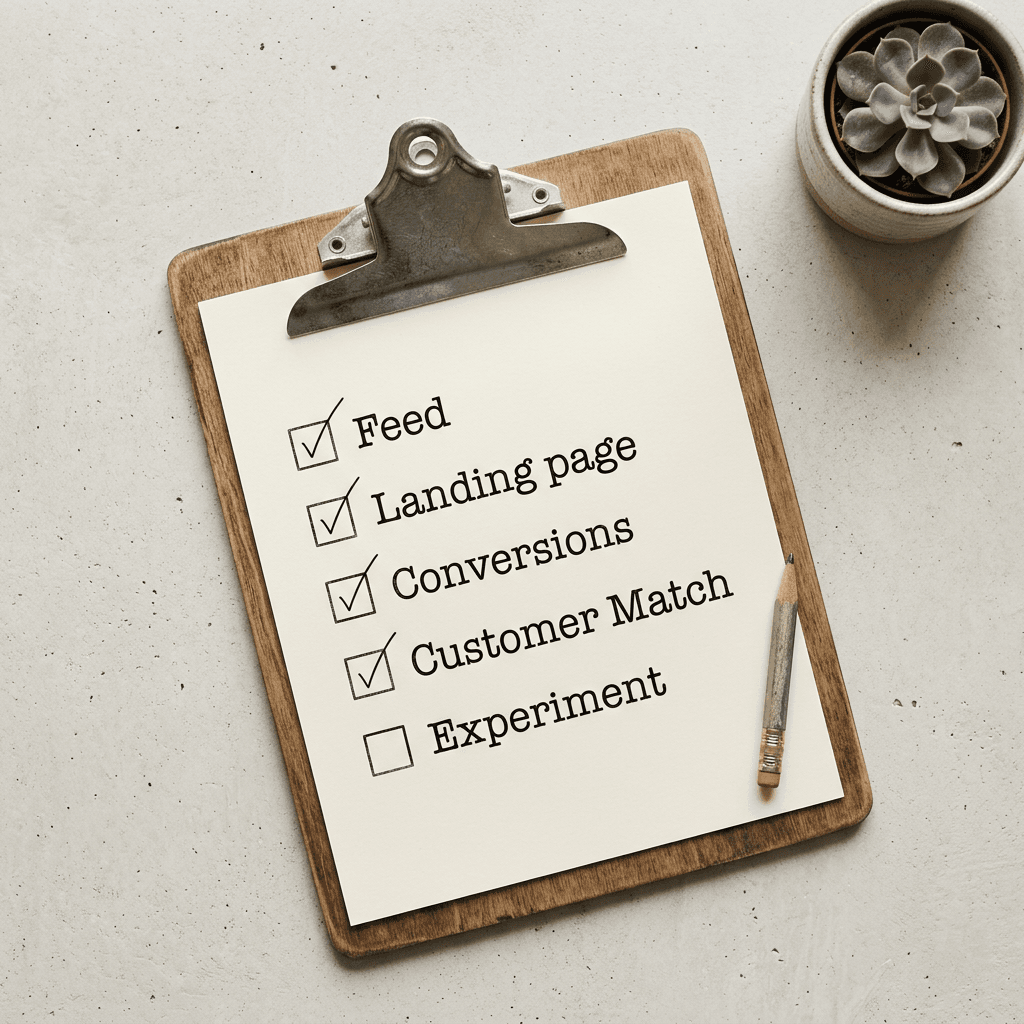
A Checklist for This Week
The table below turns the preparation work into a list you can hand to a colleague. None of it depends on a new Google feature, and every item pays off whether Personal Intelligence reaches your audience this month or next year.
| Area | What to check this week | Why it matters |
|---|---|---|
| Annotation and baseline | Add an account annotation for October 16 to 19, 2026 and pull a four-week baseline per campaign | Gives every later comparison a fixed anchor |
| Campaign coverage | List which campaigns are AI Max, Performance Max, broad match with Smart Bidding or Shopping | Shows where AI Mode exposure is most plausible |
| Branded versus non-branded | Split reporting so branded search lifts are not read as non-branded efficiency | Prevents a common misreading of assisted demand |
| Landing pages | Confirm top pages state price, availability, compatibility and policies in plain text | Conversational queries expect specific answers |
| Merchant Center | Complete attributes, synchronize price and stock, add shipping and returns | Product understanding depends on feed quality |
| Business Profile and local | Verify hours, menu, photos and booking links, and check Local Inventory Ads settings | Local journeys often finish by phone or in person |
| Assets | Supply several image crops, a vertical and a landscape video, and fact-based headlines | Automation needs varied, accurate inputs |
| Copy review | Remove second-person assumptions and preview any AI-generated headlines | Protects trust in personal contexts |
| Customer Match | Refresh lists, check labels and decide where existing customers are excluded or retargeted | Avoids spending acquisition budget on current buyers |
| Conversion tracking | Separate calls, bookings, forms and purchases, assign values and import offline outcomes | Optimization follows whatever you measure |
| Sensitive categories | Review claims and creative near health, religion, race or sexual orientation | Matches Google's stated limits on personalization |
| Experiment plan | Write decision rules in advance and choose an experiment or holdout | Separates real changes from noise and seasonality |
| Team briefing | Tell support and sales how to respond to users surprised by an ad | The first complaint will reach you, not Google |
Context: What Else Is Moving This Month
It helps to see this announcement as one item in a busy fortnight rather than an isolated event. In the same week that the Personal Intelligence ads test surfaced, Search Engine Land reported that ChatGPT Ads added new visual ad formats and measurement tools, and Google Ads extended Demand Gen cost adjustments from three weeks to 60 days. I mention them only as context: the first suggests that ad-supported AI assistants are building out their ad products on a similar timeline, and the second is a reminder that Google is adjusting a number of automated products at once. Neither changes the preparation list above.
Within Google's own AI Mode surface, the sequence has been steady. Ads arrived first, then match type tests widened who can reach them, then offers such as Direct Offer and cart features began to appear around them, and now ads reach the personalized version of the experience. If the direction holds, the useful mental model is that AI Mode is becoming a full commercial surface with its own answer, offer and checkout, and the winners will be the accounts whose data, assets and measurement were ready before the surface was fully described.
Several questions remain open and are worth watching in Google's documentation and in the trade press: whether a reporting segment appears, which campaign types and countries are included, how long the test runs, whether eligibility expands to more account types, and whether Google publishes more detail about how inferences from connected apps are used in ad selection. I would rather list these as open questions than guess at answers, and I will not treat any of them as settled until Google documents them.
Common Mistakes
Promising audiences nobody can buy. Some vendors will sell targeting based on connected Gmail or Photos data. Google says advertisers do not have access to those sources, so any pitch that claims otherwise should be treated with suspicion.
Writing creepy copy. An ad that echoes something from a user's calendar or inbox may feel intrusive even if it was written for everyone. Keep copy about the offer, the product and the question asked.
Restructuring a healthy account for a test. A test with unknown reach does not justify rebuilding campaigns that perform. Strengthen inputs first and only restructure if an experiment shows a clear gain.
Attributing every change to Personal Intelligence. Without a reporting segment, a drop or rise in performance cannot be traced to this feature. Seasonality, budget changes, competitor activity and creative fatigue are all more likely explanations.
Ignoring sensitive categories. If your product touches health, religion, sexual orientation or race, do not assume personalized delivery will work for you, and do not try to engineer around that boundary with clever wording.
Letting AI-generated assets go live unreviewed. Automated headlines and images can slip into presumptuous or inaccurate territory. Preview, review and keep a human sign-off, particularly on anything that mentions a date, location or personal situation.
Neglecting existing customers. Assistants may infer purchase history. If you bid to acquire people who already buy from you, you spend acquisition budget on retention and may hand out discounts you did not need to. Maintain Customer Match lists and apply them on purpose.
Writing landing pages for keywords instead of questions. Conversational queries expect conversational answers. A page that lists features without answering price, compatibility or timing will lose to one that does.
Judging the test too early. Considered purchases lag. A week of data after a structural change is only a rumor.
Where Miraflow Fits Into This Workflow
The biggest gap I expect in accounts preparing for AI Mode is asset volume, since strategy is usually clearer than the creative pipeline behind it. Automated campaigns reward advertisers who supply many distinct, accurate, well-made assets, and most small teams run out of images and clips long before they run out of ideas. That is where Miraflow helps. The AI image generator can produce product-in-context scenes, lifestyle shots and clean campaign visuals from a text prompt, the cinematic video generator can create short clips for product and place stories, and the YouTube Thumbnail Maker is a quick way to build strong still frames for video ads and Demand Gen assets. The home page ties the pipeline together, from idea to script to visual to video to thumbnail.
A reminder before the prompts: whatever you generate has to represent your real product, room, dish or interface accurately, because an ad whose image does not match what the visitor finds on the landing page damages trust and can breach Google's policies. Use generated images for atmosphere, backgrounds and variations, and keep the product itself faithful to the real thing.

Here are four prompts to adapt for the scenarios above. Each can be pasted into the Miraflow image generator and edited with your own details.
Hotel room visual for a booking ad:
A bright boutique hotel room photographed in soft morning window light from the left, crisp white linen on a queen bed with a folded wool throw, a small desk with a closed laptop and a ceramic coffee cup, shallow depth of field with the bed sharp and the window softly blurred, natural wood and warm neutral tones, realistic fabric and wood texture, wide 16:9 composition with empty space on the right for ad text, no people, no logos, no garbled text, no watermark.
Restaurant dish visual for a reservation ad:
A neighborhood restaurant table set for two at golden hour, a plate of fresh handmade pasta with basil in the foreground, a candle and a glass of red wine in the background, warm side light from a window on the right, shallow depth of field with the pasta razor sharp, rustic wooden table with visible grain, realistic steam and sauce gloss, square 1:1 composition, no people, no logos, no text, no watermark.
Skincare product visual for a Shopping or Performance Max asset group:
A frosted glass tube of mineral sunscreen standing upright on a pale stone surface beside a folded linen cloth and a small green leaf, soft overhead studio light with a gentle shadow to the right, macro product photograph with the tube sharp and the background softly blurred, matte frosted glass and smooth stone texture, clean pastel backdrop, the label area left blank so you can add your real label in editing, no logos, no distorted details, no watermark.
Software landing page hero for a B2B ad:
A clean desk scene with a laptop showing a simple invoice dashboard with a tidy table and a green paid badge, a notebook and a pen beside it, soft daylight from the left, wide shot with the laptop screen in sharp focus and the background gently blurred, matte aluminum laptop and cream paper texture, calm blue and white palette, no real brand marks, no garbled text, no watermark.
If you also publish on YouTube, the same assets can double as thumbnails and video stills, and the Miraflow blog collects more Google Ads explainers and creative workflows as new features ship.
Frequently Asked Questions
Are there ads in AI Mode with Personal Intelligence now?
Google told Search Engine Land that it is testing ads in AI Mode for users who connect their apps through Personal Intelligence, with the news reported around October 16 and 17, 2026 and summarized by Search Engine Roundtable on October 19. Because it is a test, not every connected user will see ads, and Google has not published the scale of it.
What did Google say in March 2026?
Google told Search Engine Land in March that there were no ads for people who choose to connect their apps with AI Mode and that this was not changing right now. It also said it anticipated that ads would operate similarly for those users in the future, which is the part that the October test now acts on.
Can I target or exclude users who have Personal Intelligence turned on?
No such option has been announced. There is no new campaign type, opt-in or targeting setting for advertisers in the coverage or in Google's help page, so you cannot choose to appear for these users or to avoid them.
Will advertisers see users' Gmail or Photos content?
No. Google's help page says advertisers will not have access to a user's Gmail inbox or Google Photos library, and that ads will not be based directly on them. It also says that summaries, excerpts and inferences from those sources may be used to personalize search and to show ads.
What are sensitive categories, and why do they matter?
Google says it does not show personalized ads based on sensitive categories such as race, religion, sexual orientation or health. If your business operates close to those topics, assume that personalization may be limited for you and avoid copy that tries to use those themes to attract attention.
Which campaign types show ads in AI Mode?
AI Mode ads have so far served from existing campaign types, and earlier announcements and coverage name products such as AI Max for Search, Performance Max, broad match with Smart Bidding, Dynamic Search Ads and Shopping campaigns. Google has not published a separate list for Personal Intelligence, so check your account and Google's current documentation.
Is there a separate report for AI Mode ads?
None has been announced. Without a segment, use annotations, before and after baselines, the search terms report and experiments to look for changes, and do not attribute a shift to Personal Intelligence specifically.
How do users turn Personal Intelligence on or off?
In their Google Account, under Search Services Personalization, users turn on Personalized Recommendations, go to Additional Personal Intelligence and Connected Content Apps, and connect Google Workspace, Google Photos or both. They can disconnect at any time, though doing so does not delete Search Services History, which can be managed at activity.google.com.
Does this affect B2B advertisers differently?
Probably. Personal Intelligence needs a personal Google Account, and Workspace business, enterprise and education accounts were excluded at launch in AI Mode. B2B buyers who research on personal accounts are the likely audience, so expect a smaller and different slice than in consumer categories.
Should I change my bidding or budgets because of this?
I would not make a budget or bid change based only on this announcement. Strengthen the inputs you control, set up a baseline, run a structured experiment if you want to test a structural change, and judge results over a window long enough for your conversion lag.
Where can I get images and video for ads in this environment?
You can build image and video assets in Miraflow's AI image generator and cinematic video generator, then upload them to your asset groups. Make sure each asset reflects your real product or location.
Conclusion
Google's October test closes a gap that the March statement left open. Ads were already part of AI Mode, and the personalized version of AI Mode was the one place Google had said would stay ad-free for now. With the confirmation reported around October 16 to 19, 2026, that exception has become a test, and the help page now explains in careful language how ads and connected apps relate: not based directly on Gmail or Photos, possibly informed by summaries and inferences, never accessible to advertisers and never personalized on sensitive categories.
For advertisers, the most useful reading is a practical one. There is nothing to opt into and nothing to target, which leaves the work in the places that always mattered: campaigns that can reach AI Mode inventory, feeds and landing pages that answer specific questions, assets that are accurate and plentiful, first-party data and conversion tracking that teach the system what a good customer looks like, copy that respects privacy, and a measurement plan that admits what it cannot see. Do those things and you are prepared whether this test grows, shrinks or changes shape next month. When it is time to produce the visuals, Miraflow gives you the image, video and thumbnail tools to fill your asset groups quickly, and the rest of the Miraflow blog will keep following the changes as Google documents them.